1
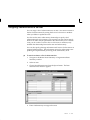
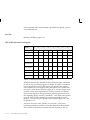
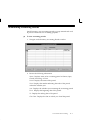
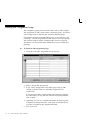
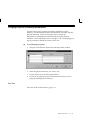
Viewing ATP Supply/Demand Detail
"
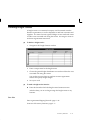
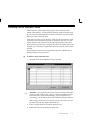
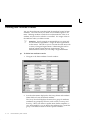
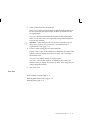
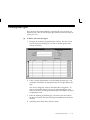
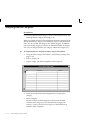
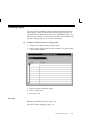
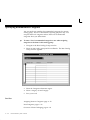
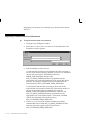
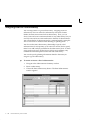
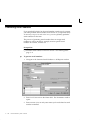
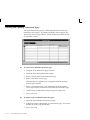
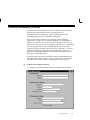
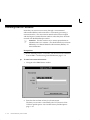
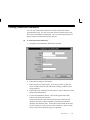
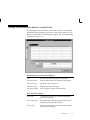
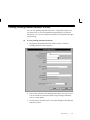
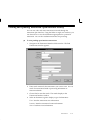
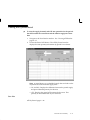
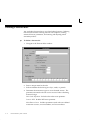
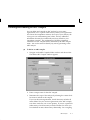
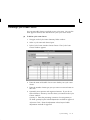
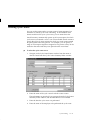
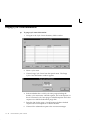
To view the supply source and demand source used to calculate the
ATP quantity for the item:
1.
Navigate to the View Results window. See: Viewing ATP Results:
page 8 – 37.
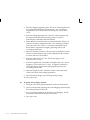
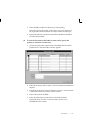
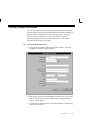
2.
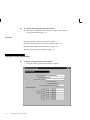
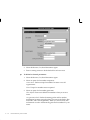
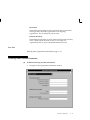
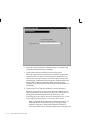
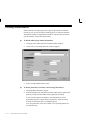
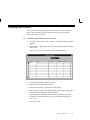
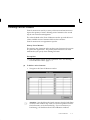
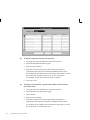
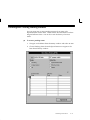
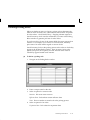
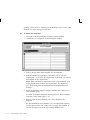
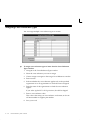
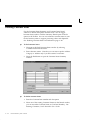
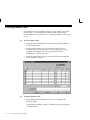
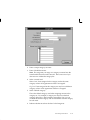
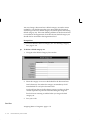
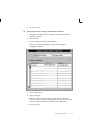
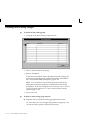
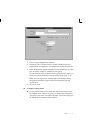
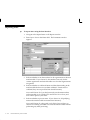
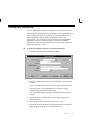
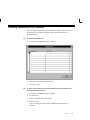
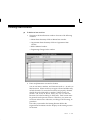
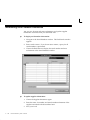
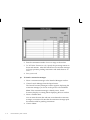
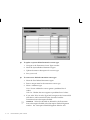
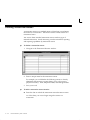
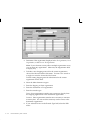
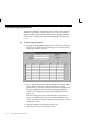
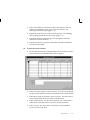
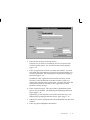
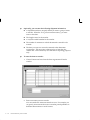
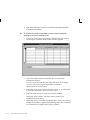
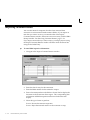
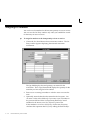
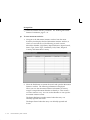
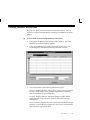
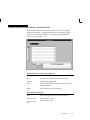
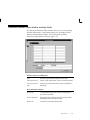
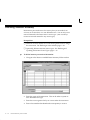
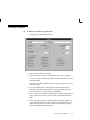
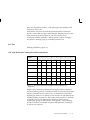
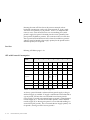
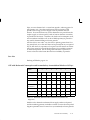
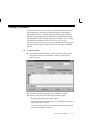
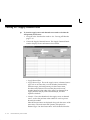
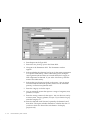
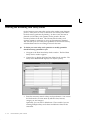
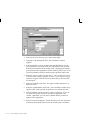
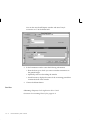
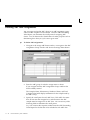
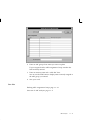
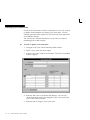
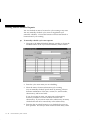
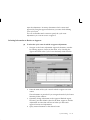
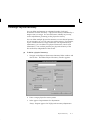
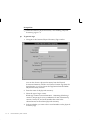
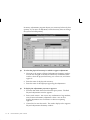
Choose the Supply/Demand button. The Supply/Demand Detail
window displays source information for each item.
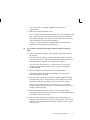
• Supply/Demand Date
• Supply/Demand Type: This is the supply source or demand source
type, such as Account alias, Account number, Discrete MPS,
Intransit receipt, On–hand quantity, On–hand reservation,
Purchase order, Reserved account alias, Reserved account
number, Reserved sales order, Sales order, User demand, User
supply, WIP discrete job, WIP nonstandard job, and WIP
repetitive schedule.
• Identifier: This is the identifier for the supply source or demand
source, such as the purchase order number or work in process
discrete job number.
Individual reservations are displayed along with the source of the
reservation. The total reservation quantity is displayed as
Demand Type ”On–hand reservation” and is deducted from the
8 – 42
Oracle Inventory User’s Guide