1
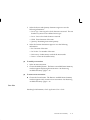
lot expirations). Committed demand does not include forecasted
demand.
☞
Attention: ATP calculated by the planning process is not
related to ATP information calculated and maintained by Oracle
Inventory. As such, planning ATP does not consider ATP rules
from the Available to Promise Rule window, and is not related
to the ATP information displayed in the View Item Available to
Promise Information window.
See: Overview of Material Requirements Planning, Oracle Master
Scheduling/MRP and Oracle Supply Chain Planning User’s Guide.
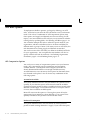
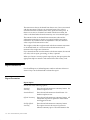
Reduce MPS
ORACLE MASTER SCHEDULING/MRP AND SUPPLY CHAIN
PLANNING ONLY
Select an option to decide when to reduce master production schedule
(MPS) quantities to zero.
If Oracle Work in Process and Oracle Purchasing are installed, you get
automatic production relief when you create a discrete job, purchase
requisition, or purchase order. In this case, you would typically set this
attribute to None.
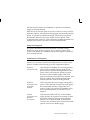
If you do not have automatic production relief, you may select one of
the following options to reduce MPS quantities and avoid overstating
your supply.
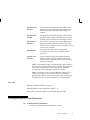
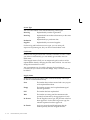
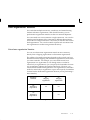
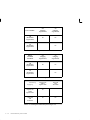
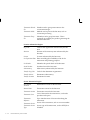
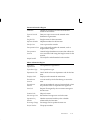
None
Do not reduce order quantities on the MPS.
Past due
Reduce order quantities on MPS entries to zero when the
entry is past due.
Demand
time fence
Reduce order quantities on MPS entries to zero when the
due date moves inside the demand time fence.
Planning
time fence
Reduce order quantities on MPS entries to zero when the
due date moves inside the planning time fence.
See: Starting the Planning Manager, Oracle Master Scheduling/MRP and
Oracle Supply Chain Planning User’s Guide.
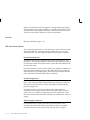
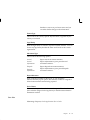
Planning Time Fence
ORACLE MASTER SCHEDULING/MRP AND SUPPLY CHAIN
PLANNING ONLY
Choose one of the following options to determine a point in time inside
which certain restrictions on planning recommendations apply. For
5 – 64
Oracle Inventory User’s Guide