1
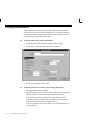
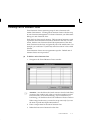
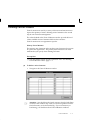
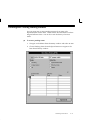
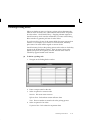
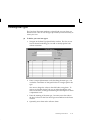
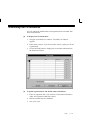
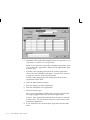
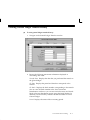
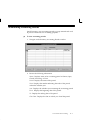
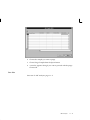
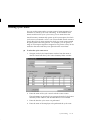
request that has not yet been counted. Finally, you can display count
history information or open the Count Adjustment Approvals window.
"
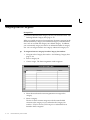
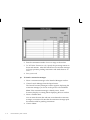
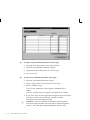
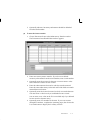
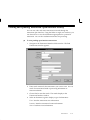
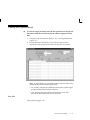
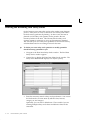
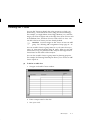
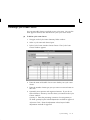
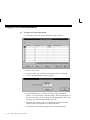
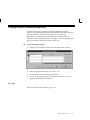
To approve a count check:
H
"
To reject a count check:
H
"
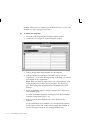
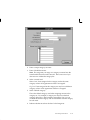
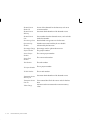
Select Recount to process a recount request for the selected count
request. An adjustment is not posted.
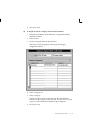
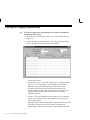
To display count history information:
H
"
Select Rejected to reject the selected count record. An adjustment is
not posted. No further processing of this count entry takes place.
To request a recount check:
H
"
Select Approved to approve the selected count entry and post the
adjustment to the transaction manager for processing.
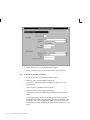
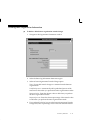
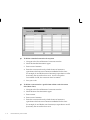
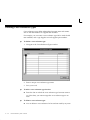
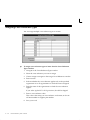
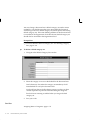
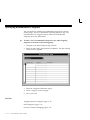
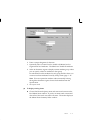
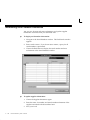
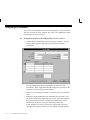
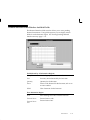
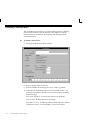
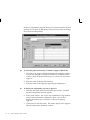
Select the Count History button to open the Count History window
for the current item. For the current item, this window displays
count and variance information for the current, prior, and first
counts.
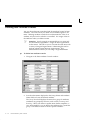
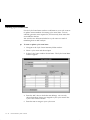
To open the Count Adjustment Approvals window:
H
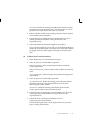
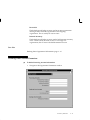
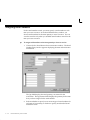
Select the Open button to open the Count Adjustment Approvals
window for the current line. This window is a combination block
which you can use to view and enter approval and adjustment
information for the current line instead of using the Count
Adjustment Approvals Summary window.
See Also
Count Adjustments and Approvals: page 12 – 34
Searching for Information, Oracle Applications User’s Guide
Cycle Counting
12 – 37