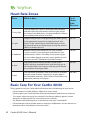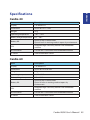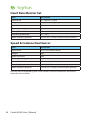
1
Using the Computer
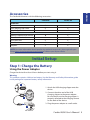
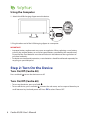
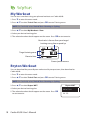
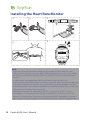
1. Attach the USB charging clipper onto the device.
AM
2. Plug the other end of the USB charging clipper to a computer.
IMPORTANT:
• Improper battery replacement may cause an explosion. When replacing a new battery,
use only the original battery or a similar type of battery specified by the manufacturer.
Disposal of the used batteries must be carried out in accordance to the regulations of
your local authority.
• For better environmental protection, waste batteries should be collected separately for
recycling or special disposal.
Step 2: Turn On the Device
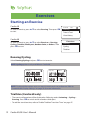
Turn On/Off (Cardio 40)
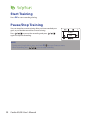
Press and hold
to turn the device on or off.
Turn On/Off (Cardio 60)
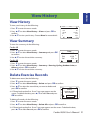
• To turn on the device, press and hold
.
• To turn off device, press and hold
to enter the sub menu, and use up and down key to
scroll between key lock and power off. Press OK to select “Power Off”.
6 Cardio 40/60 User’s Manual