1
REVIEW/EDIT TENANTS SCREEN
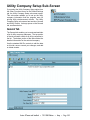
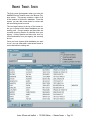
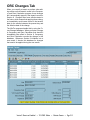
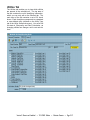
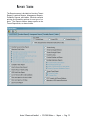
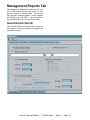
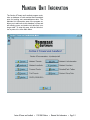
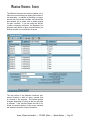
The Review/Edit Tenants screen contains the complete data for one selected tenant record. It has six
tabs that are always available: Tenant Data, Rent
Calc., ORC Changes, Payment Info, FSS Data,
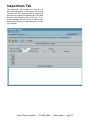
and Check Hist. If you are using Tenmast’s MSDOS-based Inspections program, the Inspections
tab also appears. If the tenant is marked as an
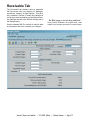
incoming portable tenant on the Tenant Data tab,
the Portable tab also appears. If the program is set
up to process tenant receivables, the Receivable
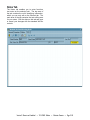
tab also appears. This screen always opens on the
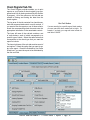
Tenant Data tab, as shown below.
Tenant Data Tab
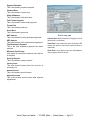
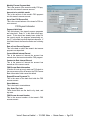
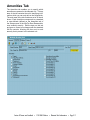
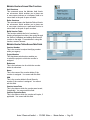
The Tenant Data tab contains the basic identifying
information for the selected tenant and his landlord.
Use the standard WinTen controls to edit the data
on this tab and save or cancel your changes.
Section 8 Tenant and Landlord • 7/31/2003 Edition • Maintain Tenants • Page 5.4