1
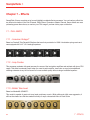
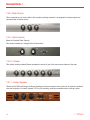
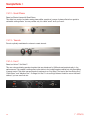
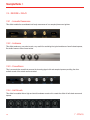
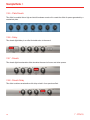
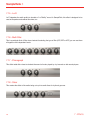
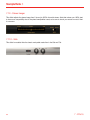
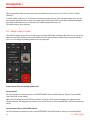
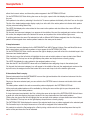
SampleTank 3 5.6.5 - LFO Depth This determines the amplitude of the LFO wave and therefore the master amount of its modulation when applied to any destination such as Pitch, Filter, Level and / or Pan. 5.6.6 - LFO Phase This determines the starting phase position of the LFO waveform and is particularly useful for creating specific synthesizer-style modulation effects. To get the most from this parameter, make sure the FREE button is NOT active. 5.6.7 - LFO Fade This creates a ramp effect on the LFO wave so that it fades in. 5.6.8 - LFO Waveform Choose a wave shape for the Low Frequency Oscillator by clicking the icons including square, triangle, saw, sine and random. 5.6.9 - LFO to Pitch knob This knob determines how much the selected LFO will modulate the pitch (tuning) of the sound. 5.6.10 - LFO to Filter knob This knob determines how much the selected LFO will modulate the cutoff filter frequency of the sound. 5.6.11 - LFO to Level knob This knob determines how much the selected LFO will modulate the level (volume) of the sound. 5.6.12 - LFO to Pan knob This knob determines how much the selected LFO will modulate the panning (left-right position) of the sound. Note that only LFO2 can modulate panning. 59 5 - EDIT page