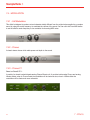
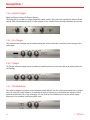
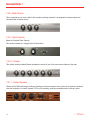
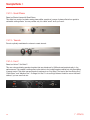
1
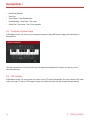
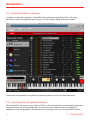
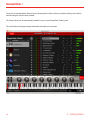
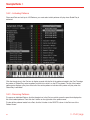
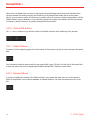
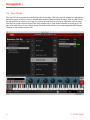
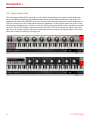
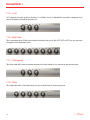
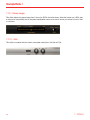
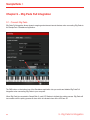
SampleTank 3 • Global Play Remote • Scroll List • Open Folder / Load Selected Item • Enable/Disable - Select Part / Pad mode • Select Part / Pad mode - Part / Pad navigation 2.2 - Computer keyboard keys In Standalone mode, you can use your computer keyboard to play MIDI notes to trigger the Instruments in SampleTank 3. Click the keyboard icon in the lower left to see the legend that describes the function of each key on the computer keyboard. 2.3 - CPU Monitor In Standalone mode, you can monitor how much of your CPU power SampleTank 3 is using with the CPU meter at the lower right. To reduce CPU usage, increase your buffer size (note that this will also increase latency). 16 2 - Getting started