1
Chapter 22 JCWs
BACKUPBUFSIZE - BACKUPCONTINUEIFANSILABELLED
Job Control Words descriptions
BACKUPBUFSIZE
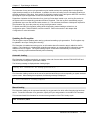
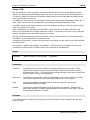
BACKUPBUFSIZE is an input JCW which sets the block size for tape and disk backups as well as the buffer
size used for data transfer:
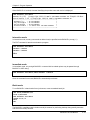
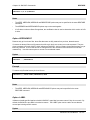
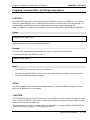
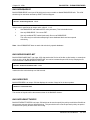
:SETVAR BACKUPBUFSIZE buffersize
Where buffersize is specified in bytes as an integer, up to 1048576.
By default, BACKUP+ imposes a block size of 16 Kbytes for all backups, a size which is supported by all HP
tape drives under MPE/iX. However, newer tape drives can support block sizes up to 32 Kbytes, and greater
efficiency and performance can be achieved by using a larger block size.
It is generally recommended that the MAXBLOCK option of the STORE command be used to force the
maximum block size for a backup based on what the tape drive can support. But there may be circumstances
under which a specific block size needs to be explicitly set. Do this using the BACKUPBUFSIZE JCW.
Refer to Chapter 16, Maximizing performance, in the BACKUP+/iX Operations Guide for block sizes used for
various tape drives. Also refer to Chapter 18, BACKUP+ Commands, in the BACKUP+/iX Reference Guide for
more information on the MAXBLOCK option of the STORE command.
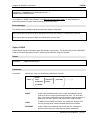
Note:
It is not possible to override the maximum block size that a backup device can support. Any attempt to
do so will reset the JCW value to the maximum block size supported by the backup device.
BACKUPCONTINUEIFANSILABELLED
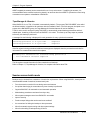
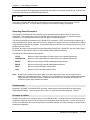
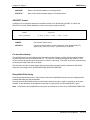
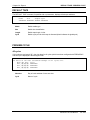
BACKUPCONTINUEIFANSILABELLED is an input JCW which may be set to disable the console request,
"NMSTORE DIRECTORY will be omitted. Continue? (Y/N)", which pauses job execution and awaits operator
reply when ANSI-labeled tapes are used in a backup.
This JCW suppresses the console request, so that the store will continue without operator intervention.
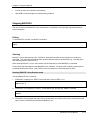
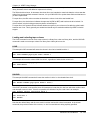
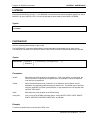
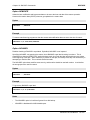
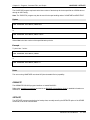
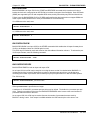
To suppress the console request, use:
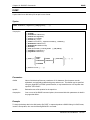
:SETJCW BACKUPCONTINUEIFANSILABELLED 1
or
:SETVAR BACKUPCONTINUEIFANSILABELLED TRUE
The store will proceed without a reply. Use this JCW with caution.
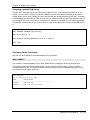
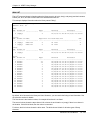
BACKUPCOUNTNONARCHIVE
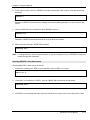
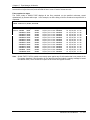
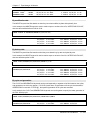
BACKUPCOUNTNONARCHIVE is an input JCW which allows you to display and count non-archivable files in
the FILES NOT STORED report. By default, these files are not displayed or counted.
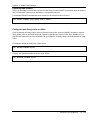
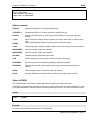
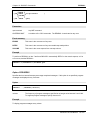
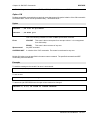
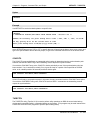
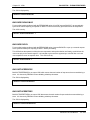
:SETJCW BACKUPCOUNTNONARCHIVE 1
or
:SETVAR BACKUPCOUNTNONARCHIVE TRUE
BACKUP+/iX User Manual
22-452