1
51 / 49
8.5 Setup Related Problem
PASSWORD FORGOTTEN
- If the user do not remember the password, please follow the below instruction.
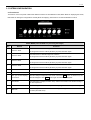
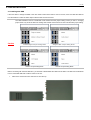
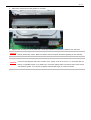
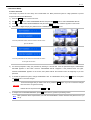
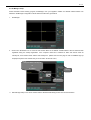
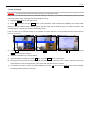
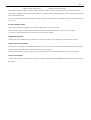
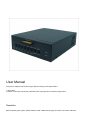
Diagram 1 (Password On/Off Switch)
⑴ Turn off the DVR.
⑵ Press and hold button 7 (Red button on above diagram) and turn the DVR on and wait for few seconds.
⑶ Below subtitle will be shown on the top of the screen.
PASSWORD DISABLED
⑷ When the subtitle is seen, turn off the DVR and turn it back on. Password system is now disabled. Put the new
password to have it back.
- After checking password deletion, change to new password.
8.6 Emergency Playback
* Emergency playback feature can be used only if the user cannot play the video because of index error.
- If the user wants to play the images but the DVR cannot be played, then follow below instruction to do emergency playback.
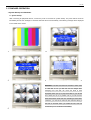
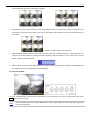
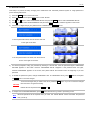
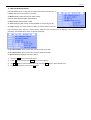
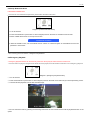
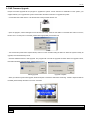
Diagram 1 (Emergency Playback Switch)
⑴ Turn off the DVR.
⑵ Press and hold button 4 (Red button on above diagram) and turn the DVR on and wait until you see the previewing screen.
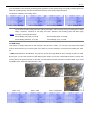
⑶ The DVR will start playback from the first recorded image.
* User can search the video by pressing the searching buttons but the user cannot see the OSD of playback direction or the
speed.