1
Catalyst XE User Guide
14. Search
Finding Information and Documents
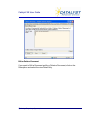
There are several ways to search your Catalyst site for documents and other
information. Here is how searching works.
Search Current Folder
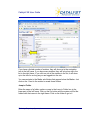
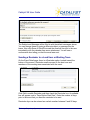
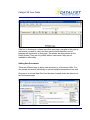
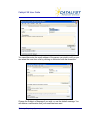
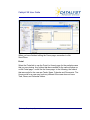
The Search Current Folder option provides a quick way to search for items in
the folder that you are currently in. It will search the text fields and document
text. Simply enter a word or phrase and then choose “Go” (Search). The
system will search against the following items: calendar, cases, documents,
news and tasks.
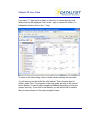
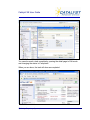
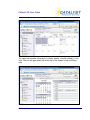
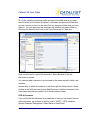
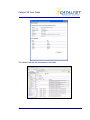
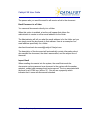
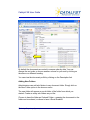
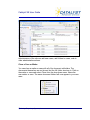
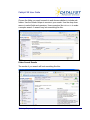
The system will search for all records that match your search term. You will
see a results page that looks like this.
© Catalyst Repository Systems, Inc.
80