1
Catalyst XE User Guide
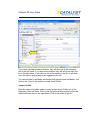
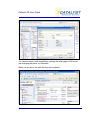
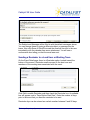
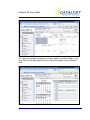
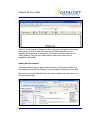
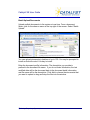
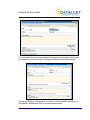
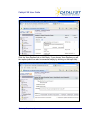
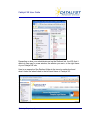
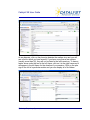
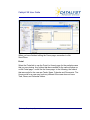
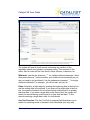
Click on the Assign link to add users from the Available Users list. If you have
Working Groups created, you can click that category to bring up those
groups. (For more on working groups, see section on Actions.) Click on the
Remove link from the Assigned Users to remove them from the Working
Team. Click Close when you are finished.
Other Fields
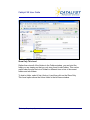
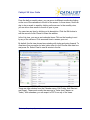
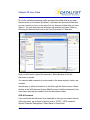
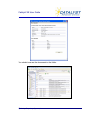
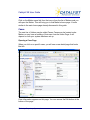
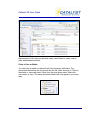
Fill out the rest of the task items as appropriate.
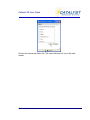
You can enter information for a “Start Date”, “Status”, “Priority”, etc. Notice
that if you choose “high” from the Priority pull-down menu, that task will
appear in red lettering on the task list. You can also include Comments about
the task.
Task Reminders
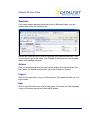
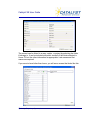
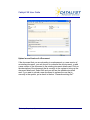
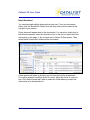
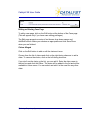
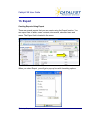
Set a reminder so that the lead user and working team will get an email
reminding them of the task. Click Reminder and choose the number of days
prior to the due date of the task.
Email Tasks
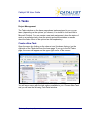
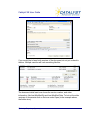
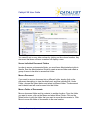
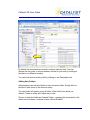
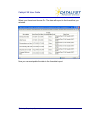
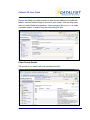
Email notifications can be created from a Task. Select Send Email to fill in the
email information and users you want to send the email to.
© Catalyst Repository Systems, Inc.
16