1
Catalyst XE User Guide
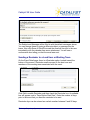
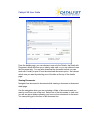
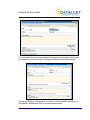
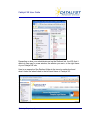
Enter a short link name and the URL (Web address). Remember to add http://
before entering the www.address (http://www.address.com).
To edit or delete a link, click on its name and choose Edit.
You can also choose to edit the Links folder name or delete the links folder by
selecting Edit Folder from the menu. You can also choose to add the Links
page to your shortcuts under the menu.
Redirect Folders (Redirect Links)
Redirect folders are similar to links in that they are direct links to other URLs
or websites. These special links live outside the Links folder and may exist at
the Home, Matter, Case or lower tier levels.
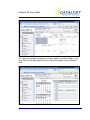
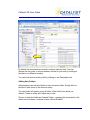
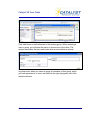
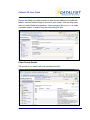
If your site is set up with a redirect folder, you simply click on the folder to go
to the link. Here is an example of what a Redirect folder looks like in the tree
at the home level.
© Catalyst Repository Systems, Inc.
64