1
Catalyst XE User Guide
Editing or Deleting Folders
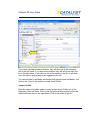
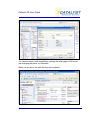
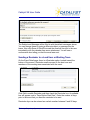
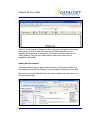
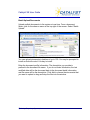
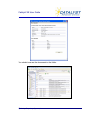
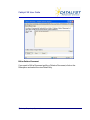
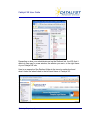
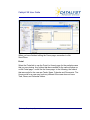
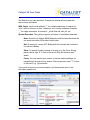
To edit or delete a folder, click on the menu for that folder and choose Edit
Folder.
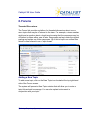
Recent Documents
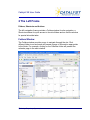
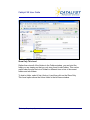
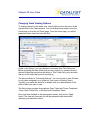
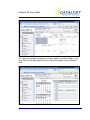
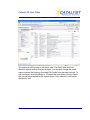
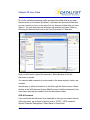
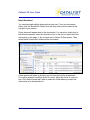
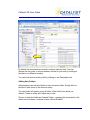
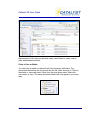
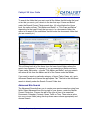
The Recent Documents folder is a special folder designed to show
documents recently uploaded into any folder on the site. You will find a
Recent Document window is at the bottom of your screen on the Home page.
It is designed to show you the last fifteen documents added to the system in
any of the tiers that you have access to.
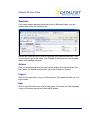
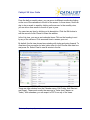
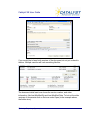
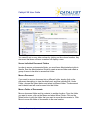
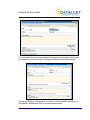
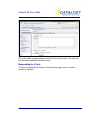
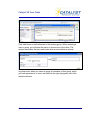
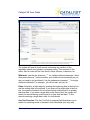
Just like with all Documents folders, you can view the document details by
clicking on the Description link.
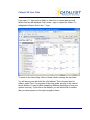
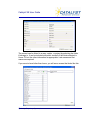
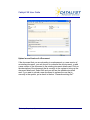
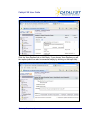
Recent Documents Folder
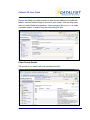
By default, the system only shows the last fifteen documents that have been
uploaded into the system. You can see all documents uploaded in the last 30
© Catalyst Repository Systems, Inc.
57