1
CMSImport PRO User manual
Version 3.0
5 Related media import
CMSImport can import media also. This isn’t a separate import process but integrated in content or
media import. When CMSImport finds a reference to a relative path it will try to get the item and
convert it to a media item, or store it in the media folder in case of an upload field.
The only required thing is that the original media folder is copied to the root, or configured media
directory of your Umbraco folder.
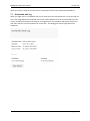
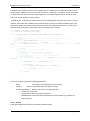
When the relative path in the datasource is a folder CMSImport will import the complete folder and
assign the folder id to the mediapicker when assigning a folder is possible with the datatype.
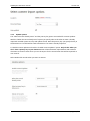
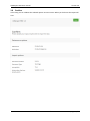
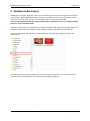
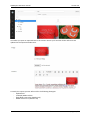
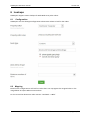
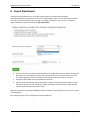
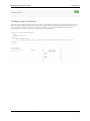
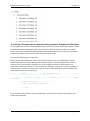
In the example below the img folder of the original site containing two images is stored in the
Umbraco root.
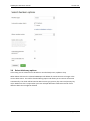
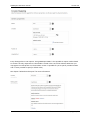
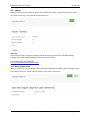
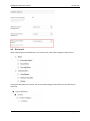
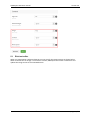
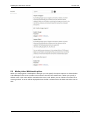
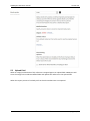
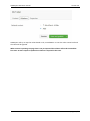
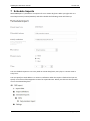
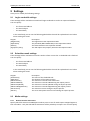
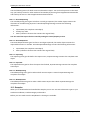
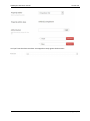
In the Import wizard you can specify that you want to import media items also. Check the option
“Import content related media” on the advanced setting of the property
© 2015 Soeteman Software
page 21 / 47