1
PBPS User Manual
Removing Objective Notes
1.
2.
3.
4.
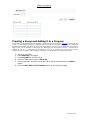
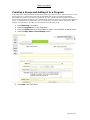
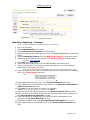
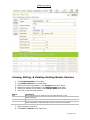
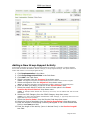
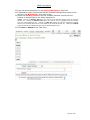
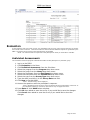
Log-in to the PBPS.
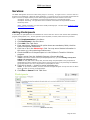
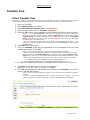
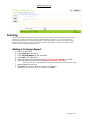
Click Planning in the Menu.
Click Objective Notes in the Sub-Menu.
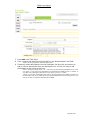
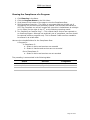
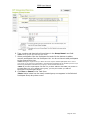
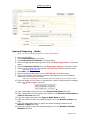
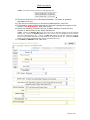
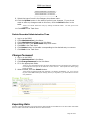
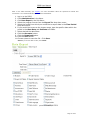
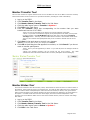
Select from the Factor* drop down menu a factor that you desire to address.
*Note: This step will display the Goal Descriptions of the selected factor.
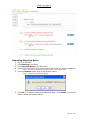
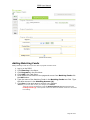
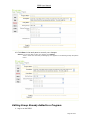
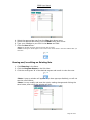
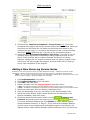
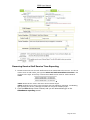
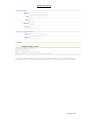
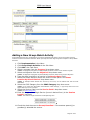
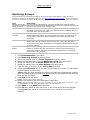
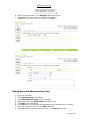
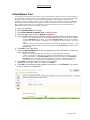
5. Click the Remove button next to the Objective Note.
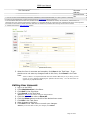
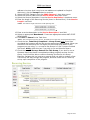
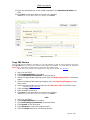
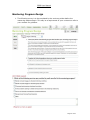
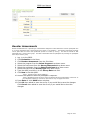
*Note: The following message will appear:
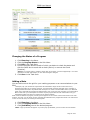
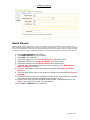
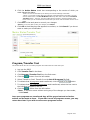
6. Click OK if you want to remove the Objective Note. Click Cancel if you do not
want to delete the Objective Note.
Page 21 of 97