1
PBPS User Manual
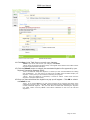
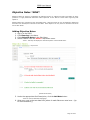
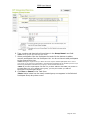
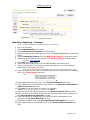
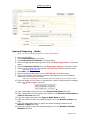
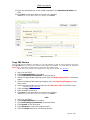
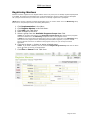
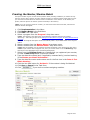
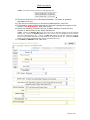
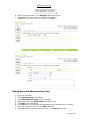
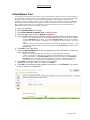
17. Type the estimated cost of the media campaign in the Estimated $ Value text
field.
18. Click Save in the task pane to commit your changes.
*Note: If you do not want to save your changes, click Cancel.
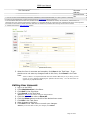
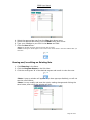
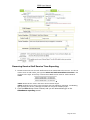
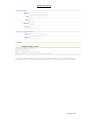
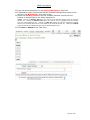
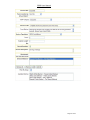
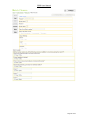
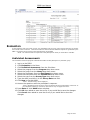
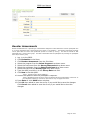
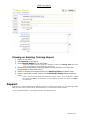
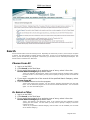
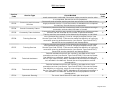
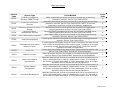
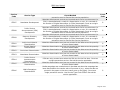
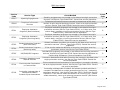
(Partial Screen Shot)
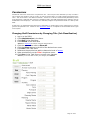
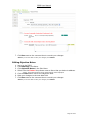
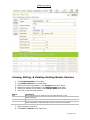
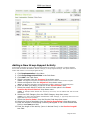
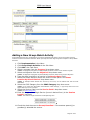
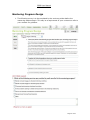
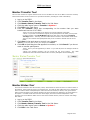
Copy CBC Button
Once the CBC has been added to the PBPS, you can now duplicate the CBC for future repetitions by clicking
the Copy CBC button so that you do not enter the CBC again into the PBPS. You will be forced to change the
CBC Group*, while having an opportunity to change the other fields as well.
*Note: This is very similar to the Single Service “Copy Service Button” (See Services).
1.
2.
3.
4.
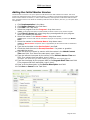
Log-in to the PBPS.
Click Implementation in the Menu.
Click Community Coordination in the Sub-Menu.
Select the appropriate reporting period from the Reporting Quarter* drop down
menu.
5. Select the appropriate reporting category from the Reporting Category* drop
down menu.
6. Select the appropriate service code from the Service Code* drop down menu.
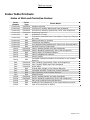
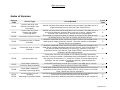
*Note: See Index of Services.
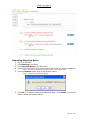
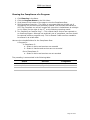
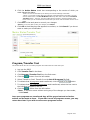
7. Click the Copy CBC button.
8. Make changes to the form.
9. Click Save in the task pane to commit your changes.
*Note: If you do not want to save your changes, click Cancel.
1.
2.
3.
4.
5.
6.
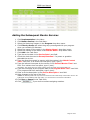
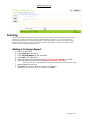
- OR Log-in to the PBPS.
Click Implementation in the Menu.
Click Community Coordination in the Sub-Menu.
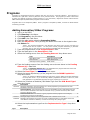
Click Search in the Task Pane.
Click Show All or select the search criteria.
Click the Select button for the desired quarter.
Page 51 of 97