1
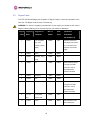
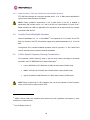
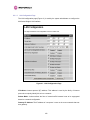
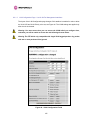
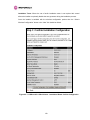
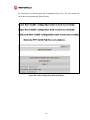
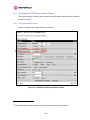
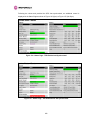
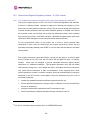
Motorola recommends the following process for entering AES link encryption configuration:1. Open two browsers, one for each end of the link
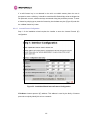
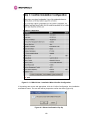
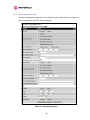
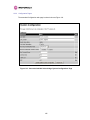
2. Navigate to the ‘Configuration’ data entry page for each end of the link
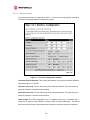
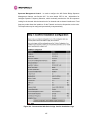
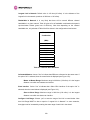
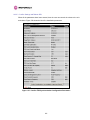
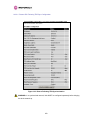
3. At both ends of the link select the ‘AES (Rijndael)’ Encryption Algorithm required.
4. At both ends of the link enter ether an 128-bit or 256-bit encryption key. Note the key
consists of 32/64 case insensitive hexadecimal characters. The same Key must be
entered at both ends of the link. Failure to enter the same key will cause the link to fail.
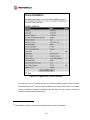
5. Submit configuration on both ends of the link, but do not reboot.
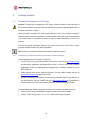
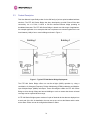
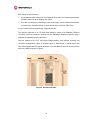
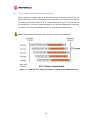
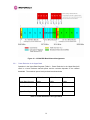
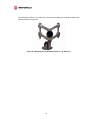
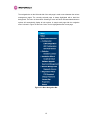
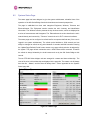
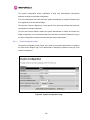
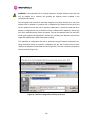
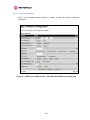
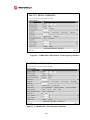
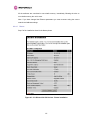
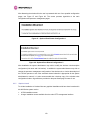
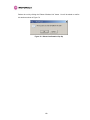
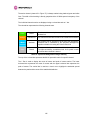
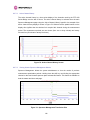
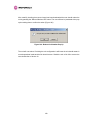
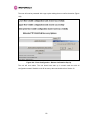
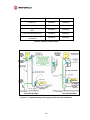
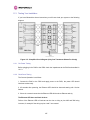
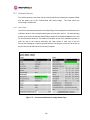
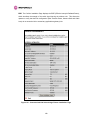
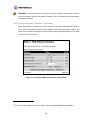
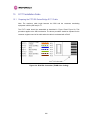
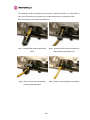
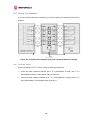
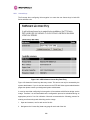
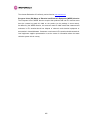
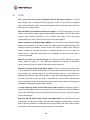
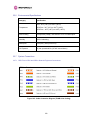
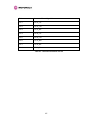
6. Reboot both ends of the link Figure 164. The software is designed to allow five seconds
so that a user can command both ends of the link to reboot before the wireless link drops.
Figure 164 - Configuration Reboot Screen
248