1
8.3.16 Reboot
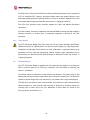
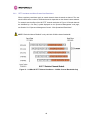
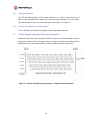
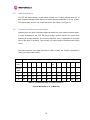
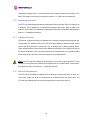
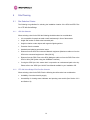
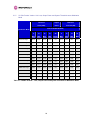
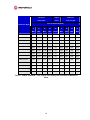
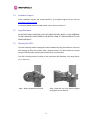
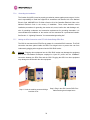
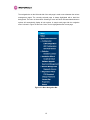
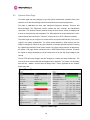
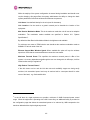
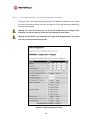
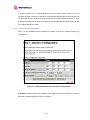
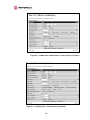
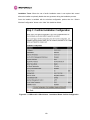
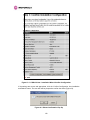
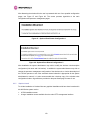
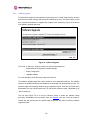
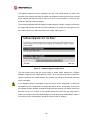
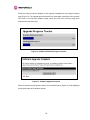
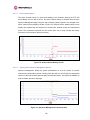
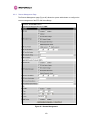
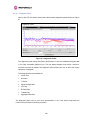
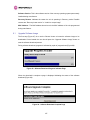
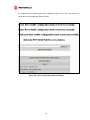
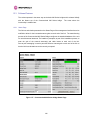
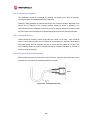
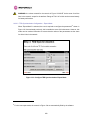
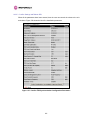
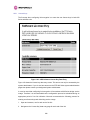
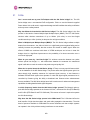
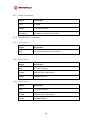
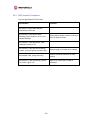
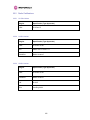
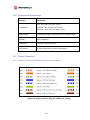
The reboot page allows the system administrator to perform commanded reboots of the
wireless unit. The reboot page also allows the system administrator to view a list of past
reboot reasons. The “Previous Reasons For Reset/Reboot” field has been implemented as a
drop down selection box, where the latest reason for reboot is located at the top of the list.
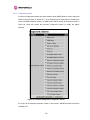
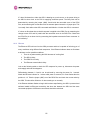
If the SNTP service from the remote management section above is active, or the system time
has been set, then the command reboot reason will be accompanied by the date and time at
which the reboot occurred.
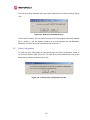
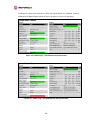
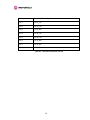
Figure 94 - System Reboot
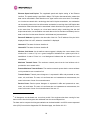
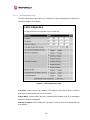
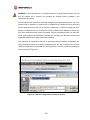
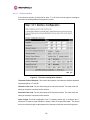
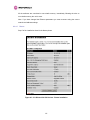
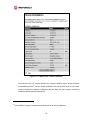
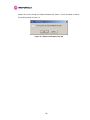
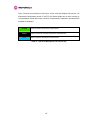
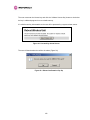
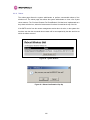
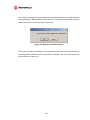
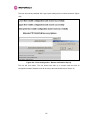
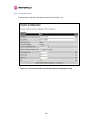
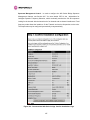
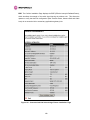
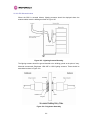
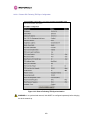
Figure 95 - Reboot Confirmation Pop Up
164