1
Modes Available
Not Applicable
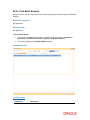
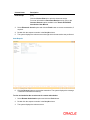
To view the last ten transactions
1.
Type the fast path 7008 and click Go or navigate through the menus to Transaction
Processing > Internal Transactions > Inquiries > Last Ten Transactions.
2.
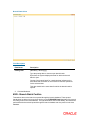
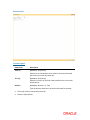
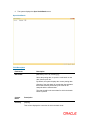
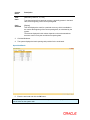
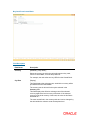
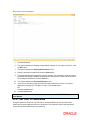
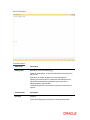
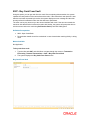
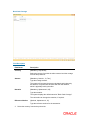
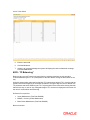
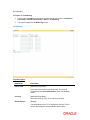
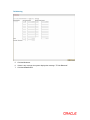
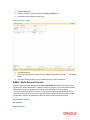
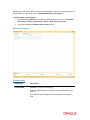
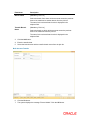
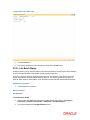
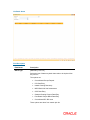
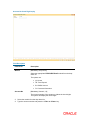
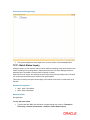
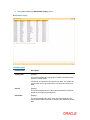
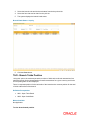
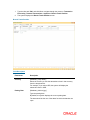
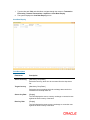
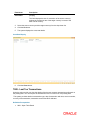
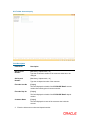
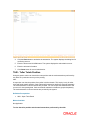
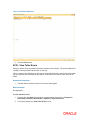
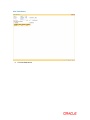
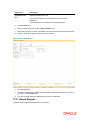
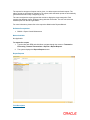
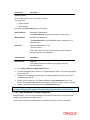
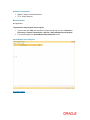
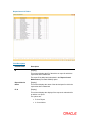
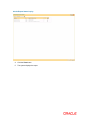
The system displays the Last Ten Transactions screen.
Last Ten Transactions
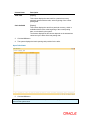
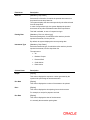
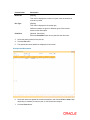
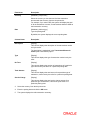
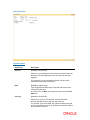
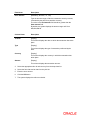
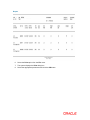
Field Description
Field Name
Description
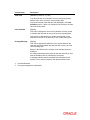
User No
[Display]
This field displays the user ID of the teller who has logged in.
Only those transactions performed by the teller who has logged in
are displayed.
Date
[Mandatory, Numeric, dd/mm/yyyy]
Type the posting date of the transaction.
By default, the system displays the current posting date.