1
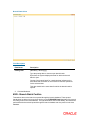
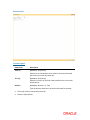
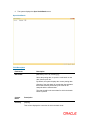
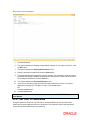
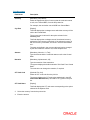
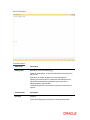
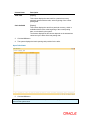
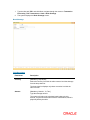
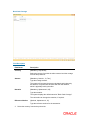
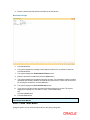
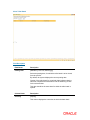
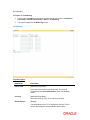
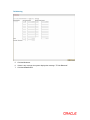
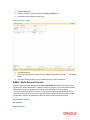
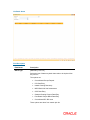
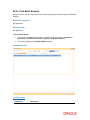
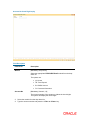
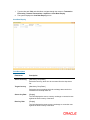
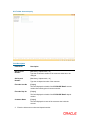
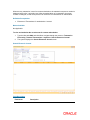
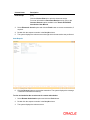
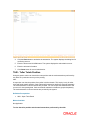
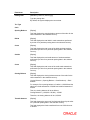
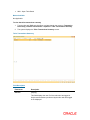
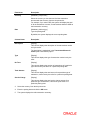
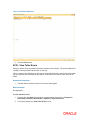
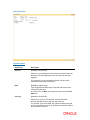
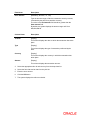
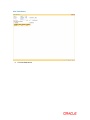
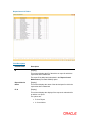
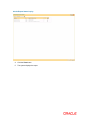
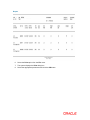
Whenever any transaction is sent for remote authorisation, the transaction sequence number is displayed at the teller / vault teller level. After the authorisation of a transaction, the screen remains unchanged, so that the supervisor can select the next transaction for authorisation. Definition Prerequisites Existence of Transactions for authorisation / reversal Modes Available Not Applicable To view and authorize the records sent for remote authorization 1. Type the fast path 6006 and click Go or navigate through the menus to Transaction Processing > Internal Transactions > Inquiries > Search Electronic Journal. 2. The system displays the Search Electronic Journal screen. Search Electronic Journal Field Description Field Name Description