1
Additional Utility Programs
163
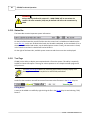
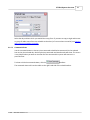
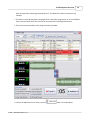
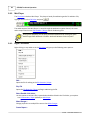
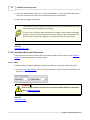
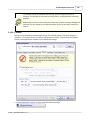
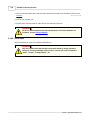
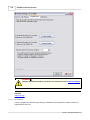
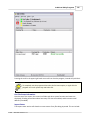
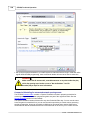
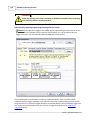
Pressing the red X in the upper right hand corner will not close the program, instead will just hide it.
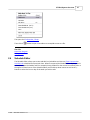
To completely exit the program either select the Exit menu option, or right click the
program icon in the system tray and select Exit.
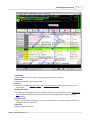
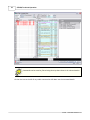
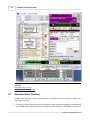
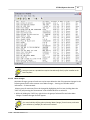
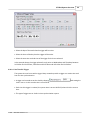
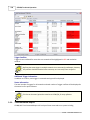
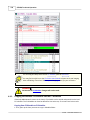
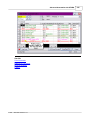
Hot Filer Status Information
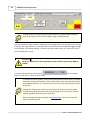
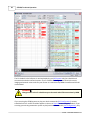
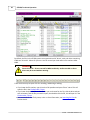
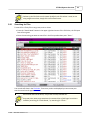
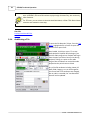
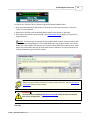
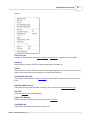
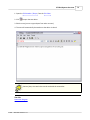
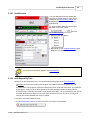
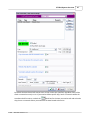
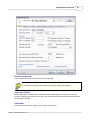
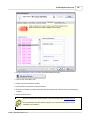
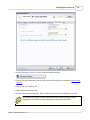
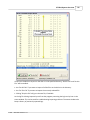
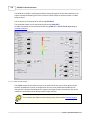
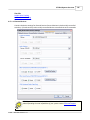
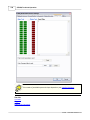
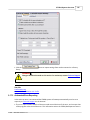
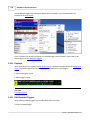
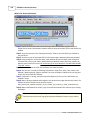
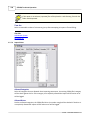
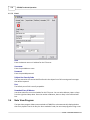
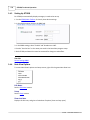
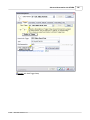
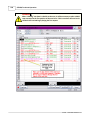
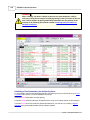
Near the top of the screen, the current hot folder and other system functions and status are
displayed, including information about how many FTP sites are enabled, and the master email
address (if enabled).
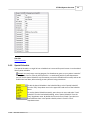
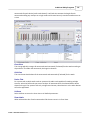
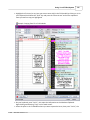
Import Status
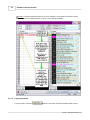
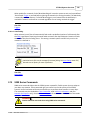
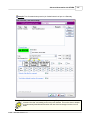
The import status section will show the current status of any files being imported. This can include
© 2008 ... Waitt Radio Networks LLC