1
STORQ System Overview
61
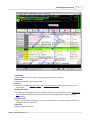
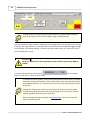
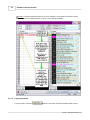
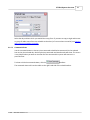
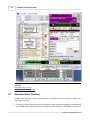
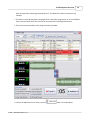
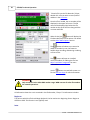
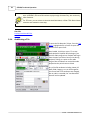
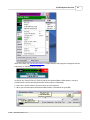
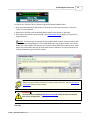
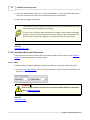
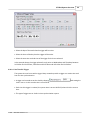
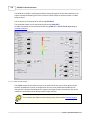
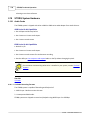
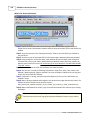
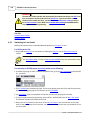
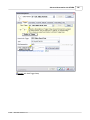
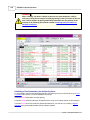
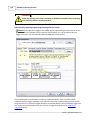
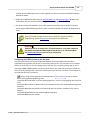
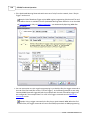
When this is done, the File Recorder/Player's transport buttons and progress bar disappear and are
replaced by an "Edit the File List" button.
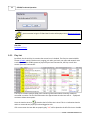
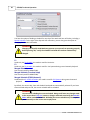
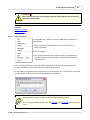
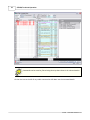
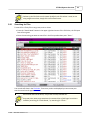
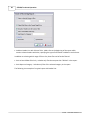
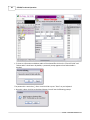
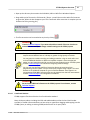
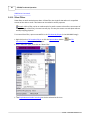
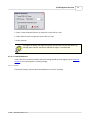
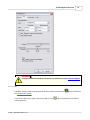
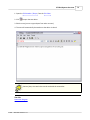
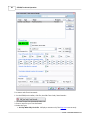
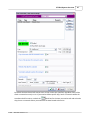
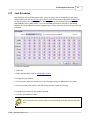
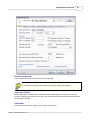
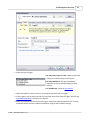
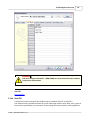
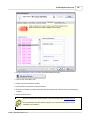
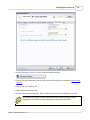
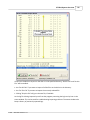
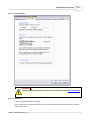
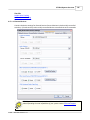
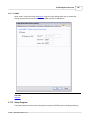
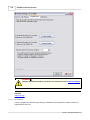
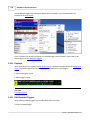
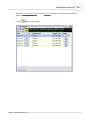
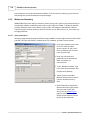
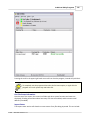
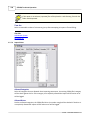
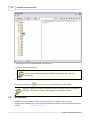
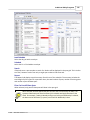
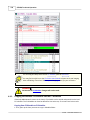
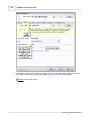
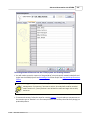
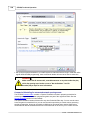
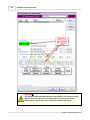
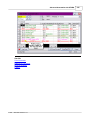
Clicking on the "Edit the File List" button brings up the Rotation/Macro Editor where a variety of
rotation options can be selected (the default rotation option is Sequential).
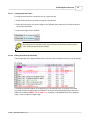
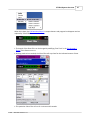
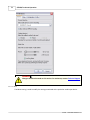
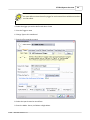
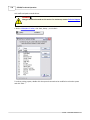
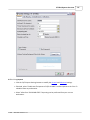
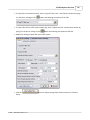
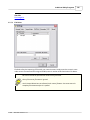
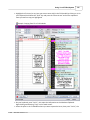
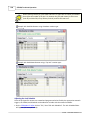
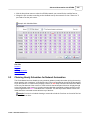
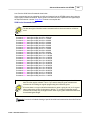
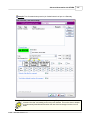
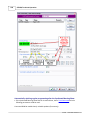
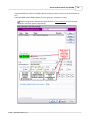
· Enter cuts in the file column, then press Enter on your keyboard.
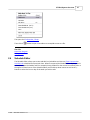
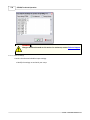
· When you're finished press the Rotation/Macro Editor's Save button or (press F9).
© 2008 ... Waitt Radio Networks LLC