1
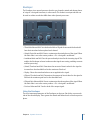
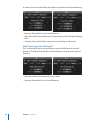
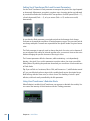
Note: Double-clicking a stompbox in the Pedal Browser when a stompbox is selected in
the Pedal area will replace the selected pedal.
Using Pedalboard’s Import Mode
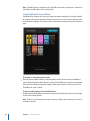
Pedalboard has a feature you can use to import parameter settings for each type of pedal.
In contrast to the plug-in window Settings menu, which you use to load a setting for the
entire Pedalboard plug-in, this feature can be used to load a setting for a specific stompbox
type.
µ
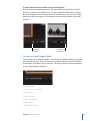
To activate or deactivate import mode
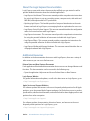
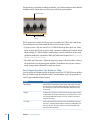
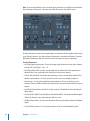
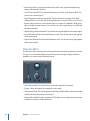
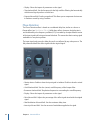
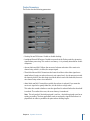
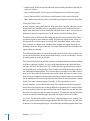
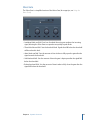
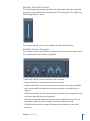
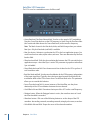
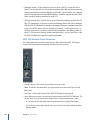
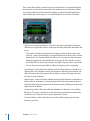
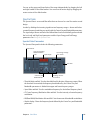
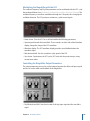
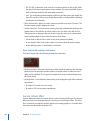
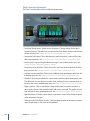
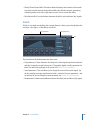
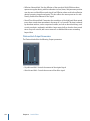
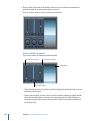
Click the Import Mode button to show all pedals used in the most recent Pedalboard
setting. When the Import Mode button is active, the Pedal Browser switches to an alternate
view mode that displays imported settings. When import mode is inactive, the normal
Pedal Browser view is shown.
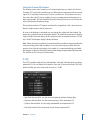
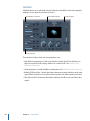
To import pedal settings into the Pedal Browser
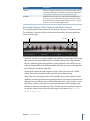
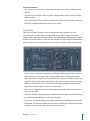
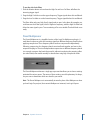
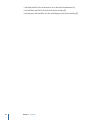
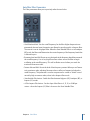
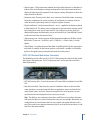
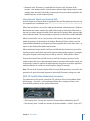
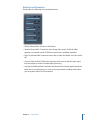
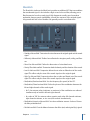
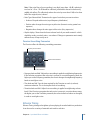
1 Click the Import Mode button to activate import mode. Note that the View menu changes
to the Select Setting button.
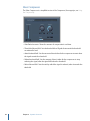
Note: If this is your first attempt to import settings, a dialog opens where you can select
a setting to import.
40
Chapter 1 Amps and Pedals