1
Staff Users
Other Operational Features
Replace paper logs and streamline services!
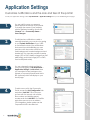
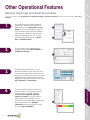
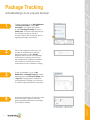
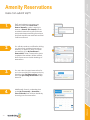
To turn on features, go to My Dashboard > Application Settings > Modules and Features > select feature and switch ON > Save
Changes.
Account and
Application Settings
RealPage Payments,
Service Requests and
Online Renewals
Operational Features
4.
There is a Resident Satisfaction Survey
that is based on a net promoter score
survey. It asks one simple question,
‘would you recommend <property
name> to a friend?’ They are used to
help gauge what is going on in the
community and keep resident feedback
even more internal. The Resident
Satisfaction survey will appear for staff
only under My Dashboard.
Community Features
3.
Residents can find Internet, TV, and
electric providers in their area, they can
compare local providers and prices and
sign up for multiple services all in one place
and all with the guaranteed best prices.
MyUtilityConnections can be found under
My Community > General Info.
Mike Roads
Messaging
Concierge
18
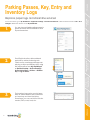
2.
You can keep track of parking and
storage spaces under My Dashboard >
Parking and Storage.
Resident
Management
1.
Front Desk Instructions allow residents
and staff to add authorized guests. To
add a guest, go to Quick Links > Add a
Guest. Or you can add guests using our
iOS ActiveDesk app. Staff and residents
will receive a notification when a guest
has been added for the unit. To view
active authorized guests go to Quick
Links > Resident Lookup.