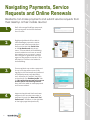
1
Staff Users
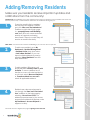
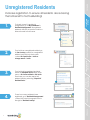
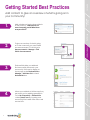
Adding/Removing Staff Users
You can’t do it all by yourself!
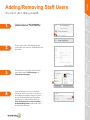
3.
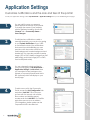
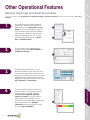
To remove or edit staff, select a staff
user. Next, select ‘Edit Manager’ or
‘Delete This Manager’.
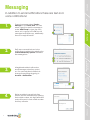
Messaging
2.
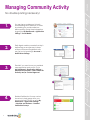
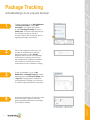
Enter name, title, messaging groups
(optional), user access, email and invite
by email.
Resident
Management
1.
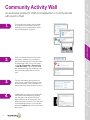
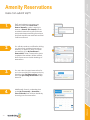
To invite staff, go to My Dashboard >
Staff Management > Invite Staff User.
Community Features
Account and
Application Settings
Brenda Sills
Brenda Sills
Concierge
3
Operational Features
4.
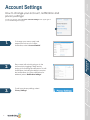
One email per account is allowed.
However, staff can have an account
at multiple properties using the same
email. When registering for another
property they will need to select, ‘I
have an Existing Account at another
ActiveBuilding Portal’ and enter their
email and password.
RealPage Payments,
Service Requests and
Online Renewals
Don Ochoa