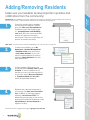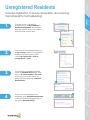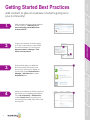
1
Staff Users
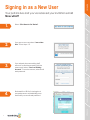
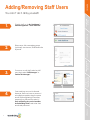
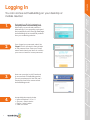
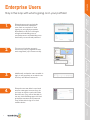
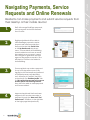
Signing in as a New User
Your portal is live and you’ve received your invitation email!
Now what?
3.
If you already have an existing staff
account for another property with the
same email, select ‘I have an Existing
Account’. To receive access, enter email
and password.
4.
Bookmark the URL for future logins at
<propertyname>.activebuilding.com
and enter your email and password.
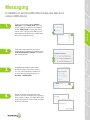
Messaging
2.
If you are a new user, select ‘I am a New
User’. Fill out steps 1-3.
Resident
Management
1.
Select ‘Click Here to Get Started’.
Community Features
Account and
Application Settings
RealPage Payments,
Service Requests and
Online Renewals
Operational Features
Concierge
2