1
ADDITIONAL FUNCTIONS - PAGE 45
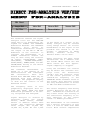
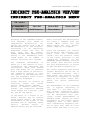
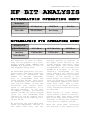
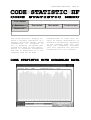
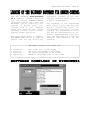
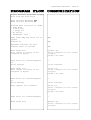
In the Options menu field the
Code Statistic analysis can be
activated in some modes.
Clicking the "Statistik is off"
menu field the code statistic is
started, but the text output is
not interrupted.
A background counter is maintained for each of the 32 bit
pattern combinations.
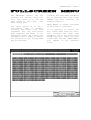
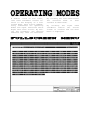
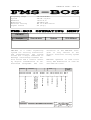
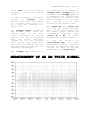
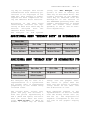
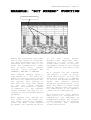
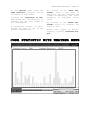
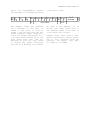
By clicking on the "Show Statistik" field a bar chart is
displayed. The bit patterns are
listed horizontally and their
frequency is displayed vertically.
By clicking on the "Reset Statistik" field all counters are
reset to zero.
Normal text output is reactivated by clicking “Continue Output”.