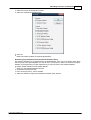
1
FMECA
Option
443
Action
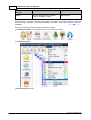
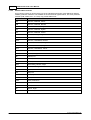
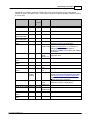
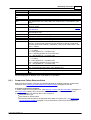
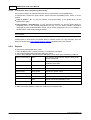
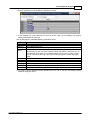
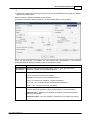
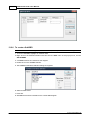
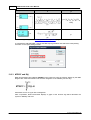
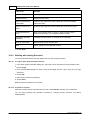
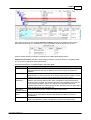
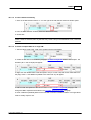
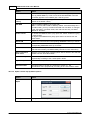
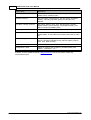
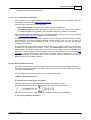
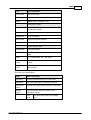
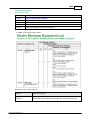
18.5.2.3 NHE Column Pop-up Menu Options
Option
Action
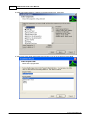
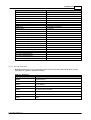
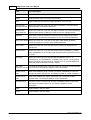
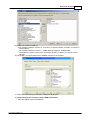
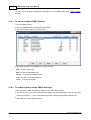
Get from FM Library
Opens the Failure Modes Library.
Select an FM from the Failure Modes Library to be inserted into the
current NHE cell.
Add to FM Library
Adds the current NHE to the Failure Modes Library.
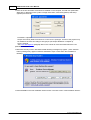
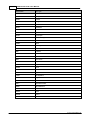
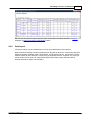
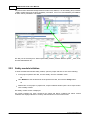
NHE List
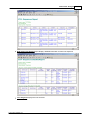
Opens the NHE list corresponding to the current IDN i.e. lists all FMs
of the Next Higher Assembly (NHA) only for this NHA.
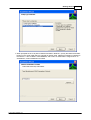
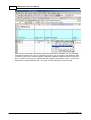
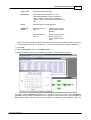
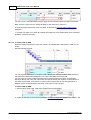
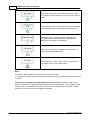
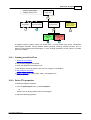
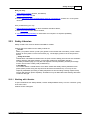
Add NHE
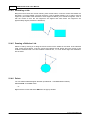
When the current NHE is the last before the EE, adds an additional
column to the FM-NHE-EE chain. If the NHA corresponds to the first
level in the product tree, then the NHA Selection window opens.
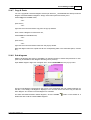
When the current NHE has its own NHEs (more than one NHE
column), adds the additional NHE to the current NHE. The new NHE
will always be defined as “No effect”.
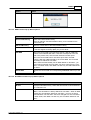
Note When the NHE already has an NHE defined as “No effect”, you
cannot add a new NHE until “No effect” has been changed to the “real”
effect. In another words, each NHE can have only one effect defined as
“No effect”.
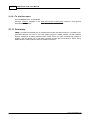
Delete NHE
Deletes the current NHE and corresponding unshared chains up to the
EE.
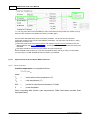
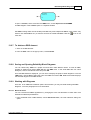
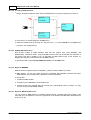
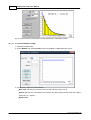
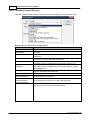
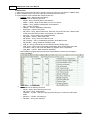
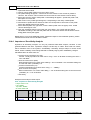
18.5.2.4 End Effect Column Pop-up Menu Options
Option
Action
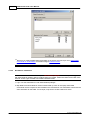
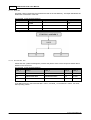
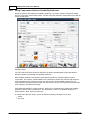
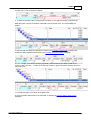
EE List
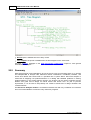
Displays End Effects library. Select EE from the list to be inserted into
the current EE cell
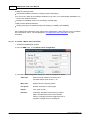
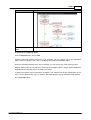
Add EE
Adds an additional End Effect to the NHE.
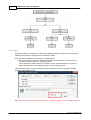
Note A new End Effect is always defined as “No effect”. When an NHE
already has an End Effect defined as “No effect”, you may not add a
new End Effect until “No effect” has been changed to a “real” end effect.
In other words, each NHE can have only one end effect defined as “No
effect”.
© 2014 ALD Software Ltd.