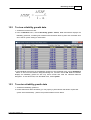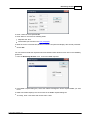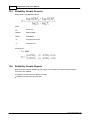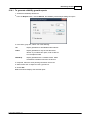
1
Derating/Stress Analysis
331
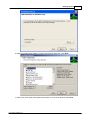
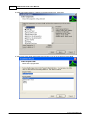
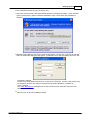
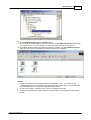
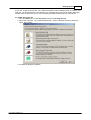
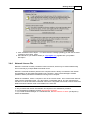
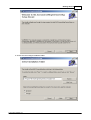
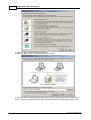
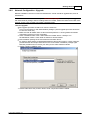
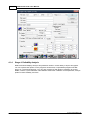
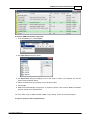
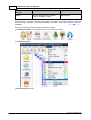
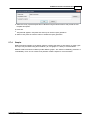
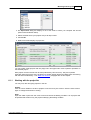
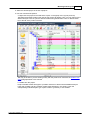
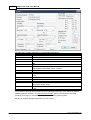
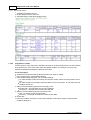
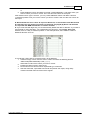
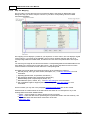
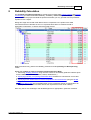
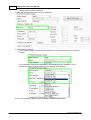
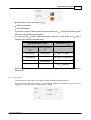
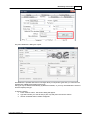
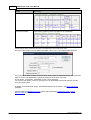
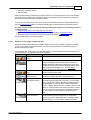
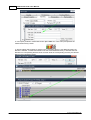
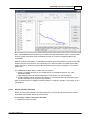
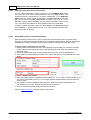
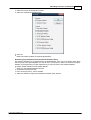
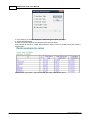
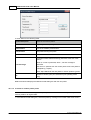
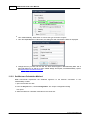
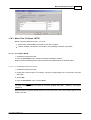
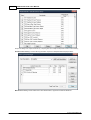
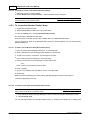
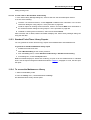
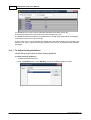
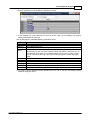
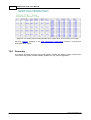
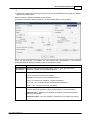
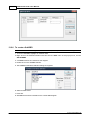
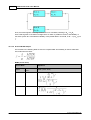
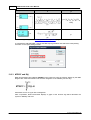
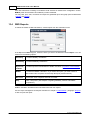
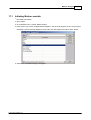
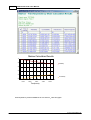
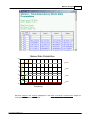
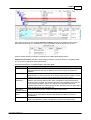
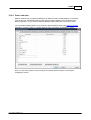
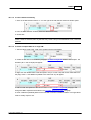
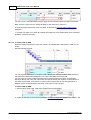
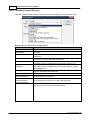
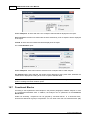
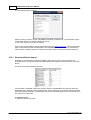
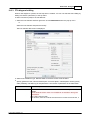
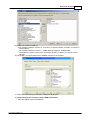
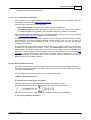
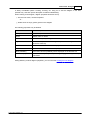
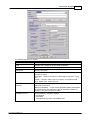
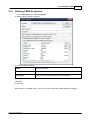
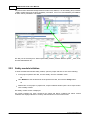
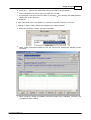
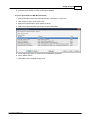
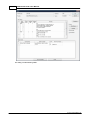
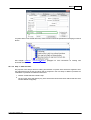
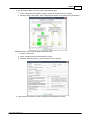
3. Select a guideline and choose OK; the Derating list opens:
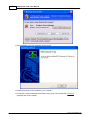
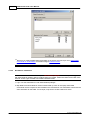
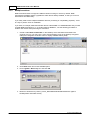
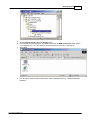
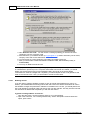
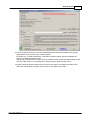
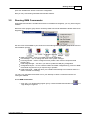
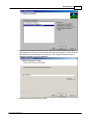
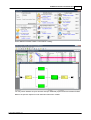
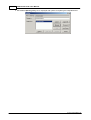
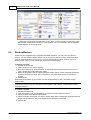
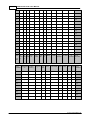
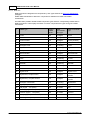
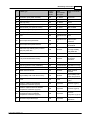
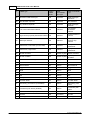
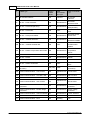
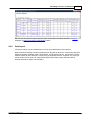
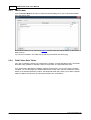
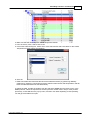
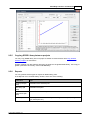
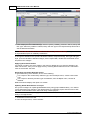
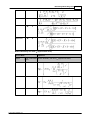
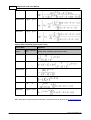
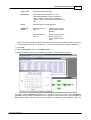
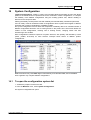
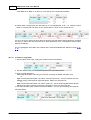
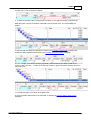
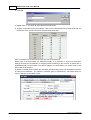
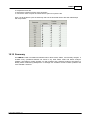
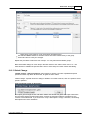
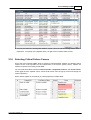
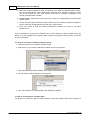
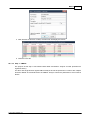
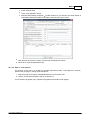
4. In the Derating list, make selections for family and item code; the list displays all existing
derating parameters for each type.
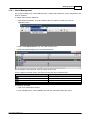
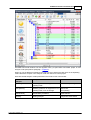
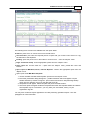
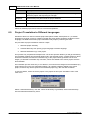
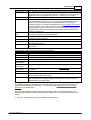
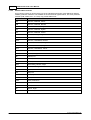
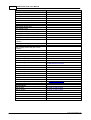
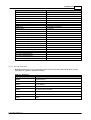
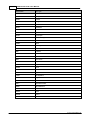
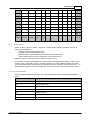
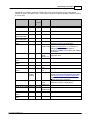
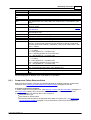
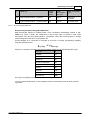
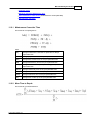
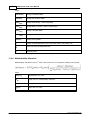
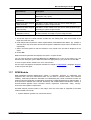
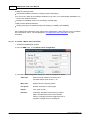
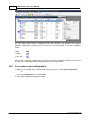
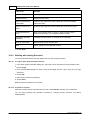
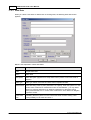
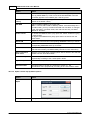
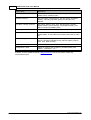
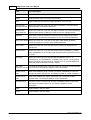
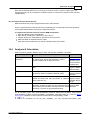
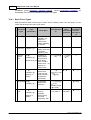
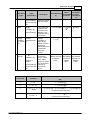
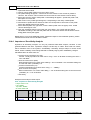
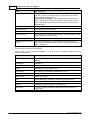
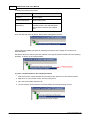
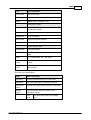
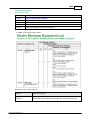
See the descriptions of available Derating parameters below:
Parameter
VssSR (%)
VinSR (%)
CoutSR (%)
Fanout
Freq.(%)
Tcase (°C)
CsrgSR(%)
VrevSR(%)
PSR
VSR
Description
Supply voltage stress ratio in Analog devices
Input voltage stress ratio
Output current stress ratio
Fanout is a measure of the ability of a logic gate output, implemented
electronically, to drive a number of inputs of other logic gates of the same type. In
most designs, logic gates are connected together to form more complex circuits,
and it is common for one logic gate output to be connected to several logic gate
inputs
Frequency stress
Case temperature (for passive components)
Surge current stress ratio
Reverse voltage stress ratio
Power Stress Ratio
Voltage Stress Ratio
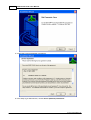
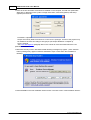
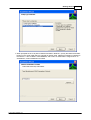
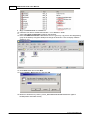
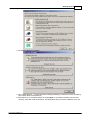
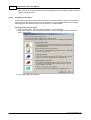
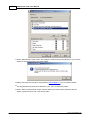
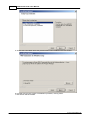
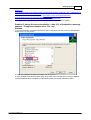
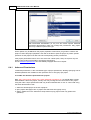
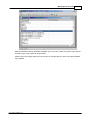
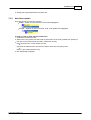
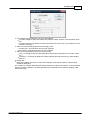
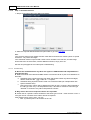
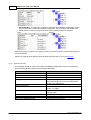
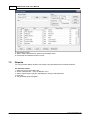
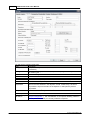
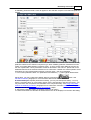
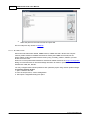
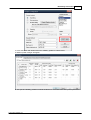
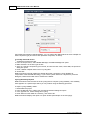
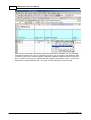
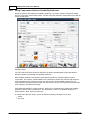
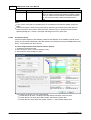
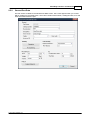
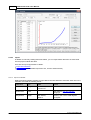
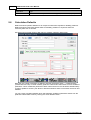
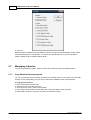
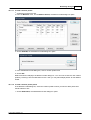
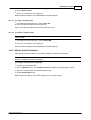
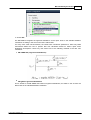
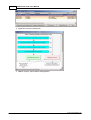
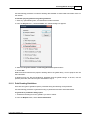
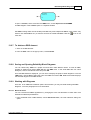
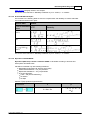
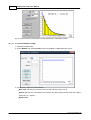
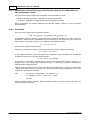
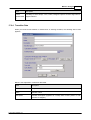
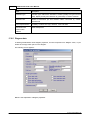
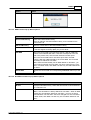
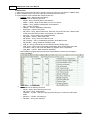
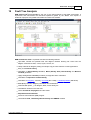
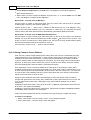
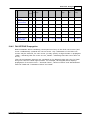
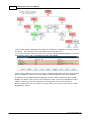
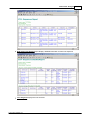
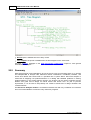
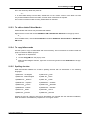
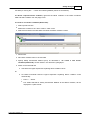
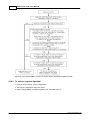
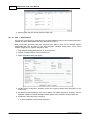
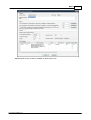
5. To modify a type’s parameter values, double-click on its row in the list; the Derating Value
Definition dialog box opens.
© 2014 ALD Software Ltd.