1
Bosch Video Management System
Using maps and the PTZ cameras | en
65
See also
–
7.5
Region of Interest (ROI), page 33
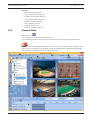
Using Intelligent Tracking
Main window > tab
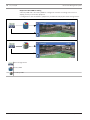
You can use Intelligent Tracking with a PTZ camera or with a fixed HD camera (each camera
with ROI enabled).
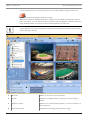
To use Intelligent Tracking:
1.
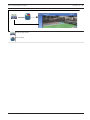
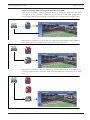
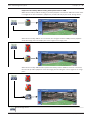
Right-click the Image pane of the camera and click Enable Content Analysis.
2.
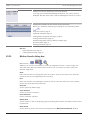
Click Auto or Click to enable Intelligent Tracking.
P
The camera follows an object that moves into the camera image.
See also
–
Intelligent Tracking, page 34
Bosch Sicherheitssysteme GmbH
User Manual
2015.05 | V1 | Operator Client