1
User Manual Opensphere Release 2.5
Defining a message filter does not reduce network traffic since message filtering is done by the
message consumer. Filtering voluminous messages slows down the receiving program that has to
check for the occurrence of the specified value within the whole message.
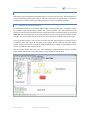
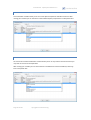
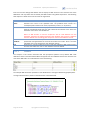
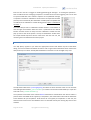
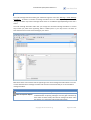
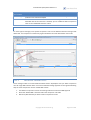
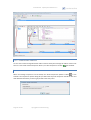
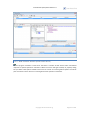
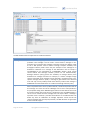
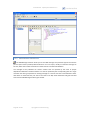
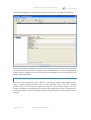
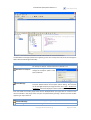
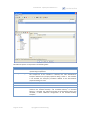
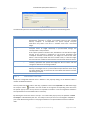
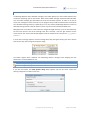
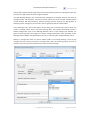
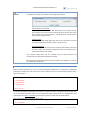
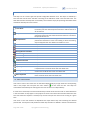
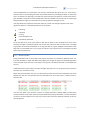
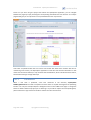
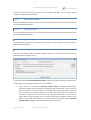
If the entered subject is able to detect Rendezvous host status info advisory messages, the Message
Detector automatically creates two additional tabbed panels that will contain a row for every
detected host and service as follows:
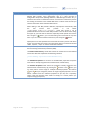
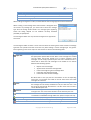
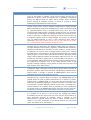
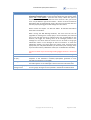
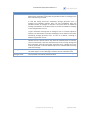
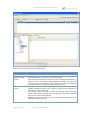
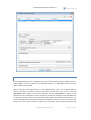
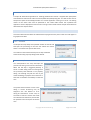
Host Status Info (Total)
Each row contains a snapshot of the value from the last detected
host status info advisory message for a given host and service. The
statistic values within each snapshot are cumulative since the
daemon began communicating on the service.
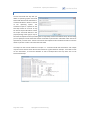
Host Status Info (Per Minute)
The statistical values from each row are calculated using the last
two detected host status info advisory message for a given host
and service. The amount corresponds to the value increase over a
period of one minute.
4.6.6.1.1.
ADVANCED
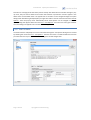
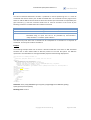
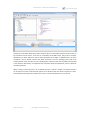
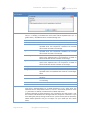
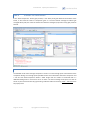
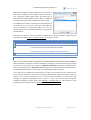
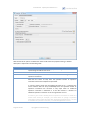
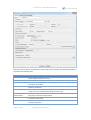
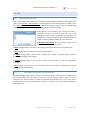
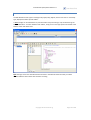
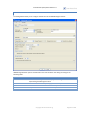
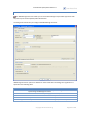
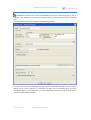
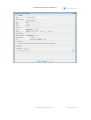
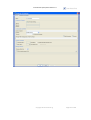
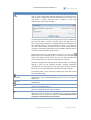
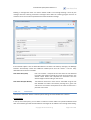
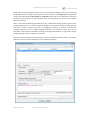
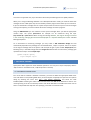
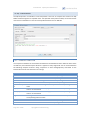
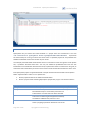
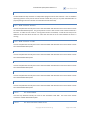
Activate the “Advanced“ button to define optional settings for Tibco Rendezvous® listeners.
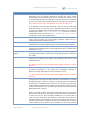
Custom Editors
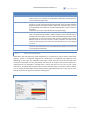
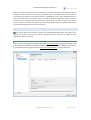
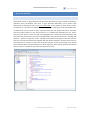
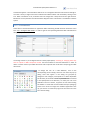
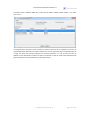
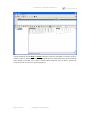
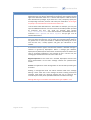
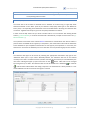
In the top area of the panel, you can define a number of custom editors for specific Rendezvous field
data. Those editors get used when Rendezvous messages will be edited in the message editor dialog.
copyright © centeractive ag
Page 118 of 156