1
User Manual Opensphere Release 2.5
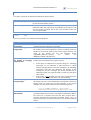
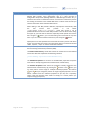
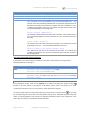
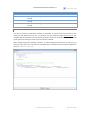
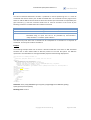
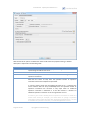
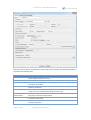
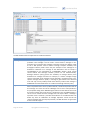
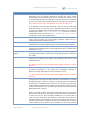
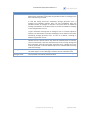
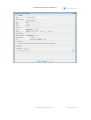
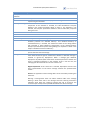
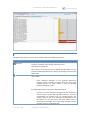
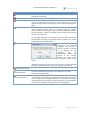
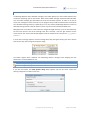
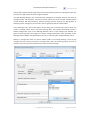
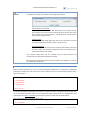
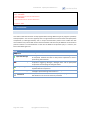
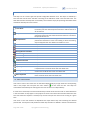
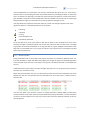
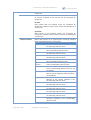
Option
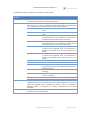
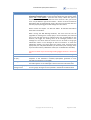
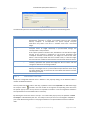
Ledger Name
Synchronize Ledger
Request Old
4.5.3.2.
Description
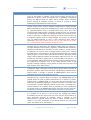
Name of the file based ledger. If the Ledger Name is not set, then the new
transport stores its ledger exclusively in process-based storage, the
correspondent is not persistent.
If this option specifies a valid file name, Rendezvous uses that file for ledger
storage. If the transport is destroyed or the process terminates with
incomplete certified communications, the ledger file records that state.
When a new transport binds the same reusable name, it reads the ledger
file and continues certified communications from the state stored in the file.
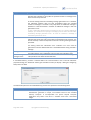
Specifies the way information must update the ledger. If the check box is
selected, operations that update the ledger file do not return until the
changes are written to the storage medium.
This parameter indicates whether a persistent correspondent requires
delivery of messages sent to a previous CM transport with the same name,
for which delivery was not confirmed. Its value affects the behavior of other
CM sending transports.
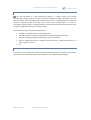
ADDITIONAL FEATURES
Except the configurable behavior that is defined through the option dialog, a Rendezvous Generic
Subscriber offers the following features.
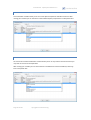
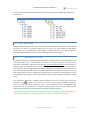
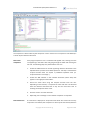
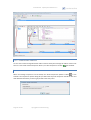
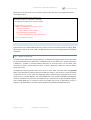
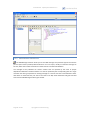
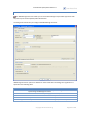
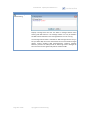
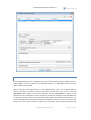
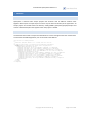
Like any other executable node or test step, a subscriber node can be exported to an XML file through
the “export” button
located in the main toolbar or through the corresponding menu item from
the specific pop-up menu. It may then be re-imported to a folder or a test case regardless whether it
was exported from an executable node or a test step.
4.5.4. RV APPLICATION SIMULATOR
The RV Application Simulator extends the RV Subscriber program. It is extremely useful where an
intermediate implementation of Tibco Rendezvous® enabled components such as an adapter is
needed. It lets you test modules that depend on other components in case they are not yet ready.
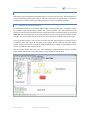
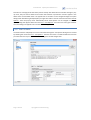
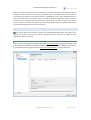
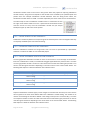
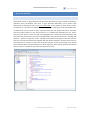
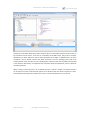
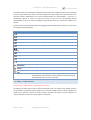
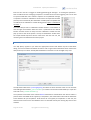
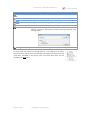
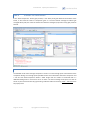
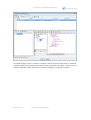
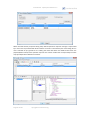
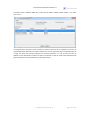
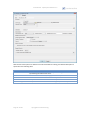
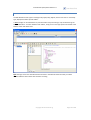
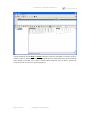
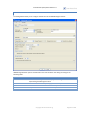
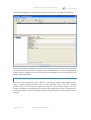
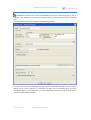
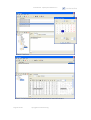
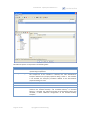
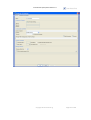
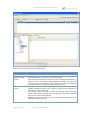
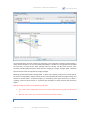
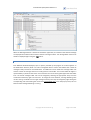
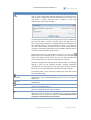
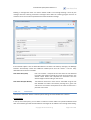
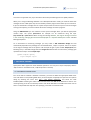
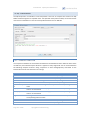
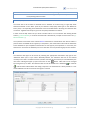
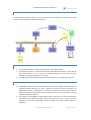
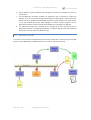
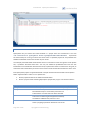
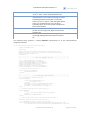
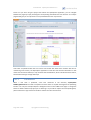
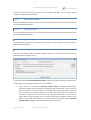
The “Reply/Forward Messages” panel of the simulator property dialog shown below contains a
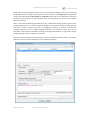
mapper. To switch from the standard message editing to the mapping view, you have to press the
“mapping view” button
message edit mode.
located in the toolbar. Press this button again to switch back to standard
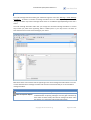
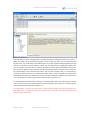
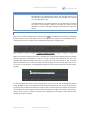
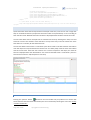
The top located message within the message table is the Source Message Template (SMT), a message
that holds the structure of the expected incoming messages. All other messages in the array are
messages that can be used to be replied or forwarded to whatever subject you want (such messages
may have been recorded previously using the RV Message Detector or created manually through the
Message List Editor). The fields of the expected inbound message SMT can be assigned to fields of one
or several outbound messages with individual structure each. During program execution, the values of
the mapped fields are automatically copied from the source to the target field and those dynamically
built messages are replayed and/or forwarded according to the definition you made. Some fields of
course may also still contain their initial static values.
copyright © centeractive ag
Page 106 of 156