1
User Manual Opensphere Release 2.5
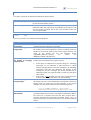
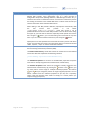
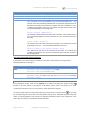
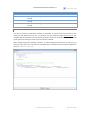
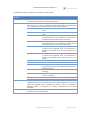
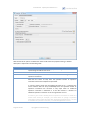
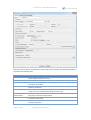
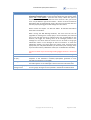
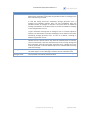
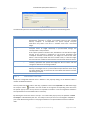
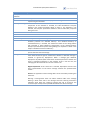
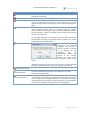
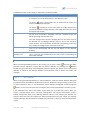
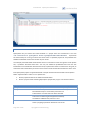
Option
Send Type
Time-out
Description
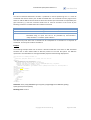
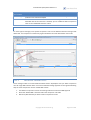
Messages can be published or sent as a request. If a request is sent and the
reply subject of the predefined message(s) is an inbox, the program listens
on messages sent to that inbox. It blocks until a message is received or until
the defined time-out is reached. An inbox is specified (and automatically
created) by selecting the check box located beside the reply subject field. If
the send type is “Request/Reply” and the message reply subject is empty,
the message is simply published.
Time in seconds to wait for a reply message when a request message is
published (see Send Type). The exact behavior depends on the type of reply
subject defined for the published message.
1.
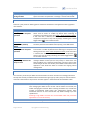
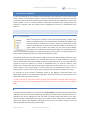
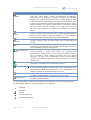
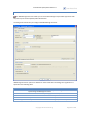
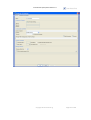
Message Sending
Trigger
Number of Iterations
Infinite
Row Set
If the reply subject is an INBOX, the option defines the time in seconds
the publisher blocks if no message is received on that inbox
(synchronous reply)
2. If the reply subject is a custom value, the publisher simply holds on
execution for the defined amount of seconds if no corresponding reply
message is detected (asynchronous reply). Corresponding in this case
means any message that has its send subject set to the value of the
published message’s reply subject.
3. If the reply subject is empty, time-out is ignored since such messages
are simply published.
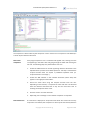
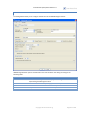
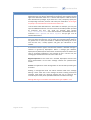
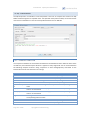
Determines how the message sending process shall be triggered. According
to the selection, some controls in this box get visible, some others non
visible.
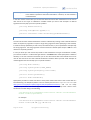
Number of iterations the publisher should send messages each time it is
started. This number has no effect if the publisher was told to send
messages forever.
Finishing sending all messages of the defined message list is considered to
be one iteration.
This field is visible only if the message sending trigger selection is “Iterator
Counter (Counter)”.
Indicates if messages should be sent (published) until the process is stopped
by external intervention. If this check box is unchecked, “Number of
Iterations” setting determines how many messages are sent.
This field is visible only if the message sending trigger selection is “Iterator
Counter (Counter)”.
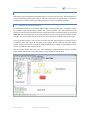
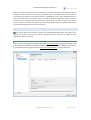
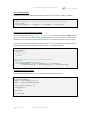
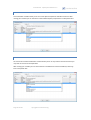
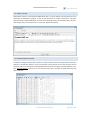
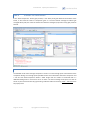
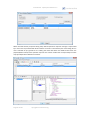
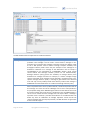
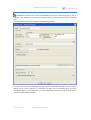
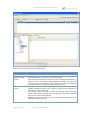
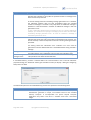
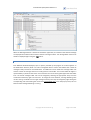
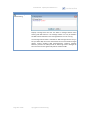
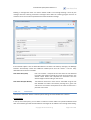
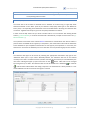
This line shows what kind of data row set is used to control the message
sending process. Row sets are tabular data that can be defined in a separate
dialog by pressing the “Define…” button. In that dialog, you can either
define an SQL query on a database of your choice or you can define your
own static table data that will be stored to an XML file. If you define a row
set based on an SQL select statement, the statement gets executed every
time the RV Publisher is started.
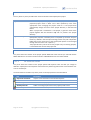
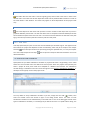
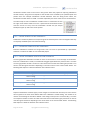
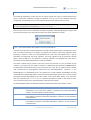
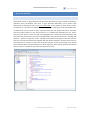
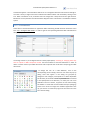
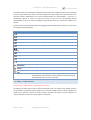
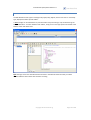
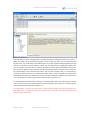
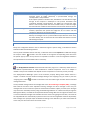
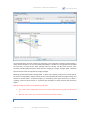
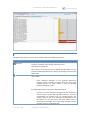
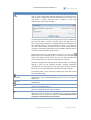
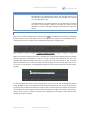
When you decide to define static data, Opensphere lets you do that from
scratch but it also offers the possibility to import the data from a database.
In both cases, you can alter the data immediately or at any time later to
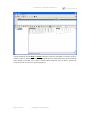
make it fit your needs. When after defining a new static row set you close
the Row Set Editor by pressing the “OK” button, Opensphere may ask you
copyright © centeractive ag
Page 98 of 156