1
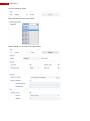
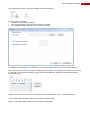
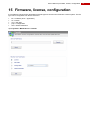
User‟s Manual | Firmware, license, configuration 15 Firmware, license, configuration It is possible to upload and/or download several file types to and from the FastTrace 2 video system. The file type can be recognized from the file extension: .bin = software (linux + application) .lic = license .usr = user data .prop = configuration .def = camera definitions Open System > Maintenance > Transfer. 97