1
User‟s Manual | Firmware, license, configuration
15.2.3 Downloading a configuration
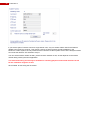
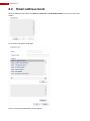
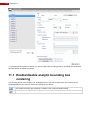
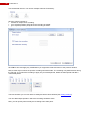
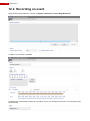
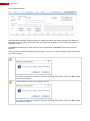
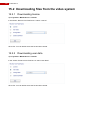
Open System > Maintenance > Transfer.
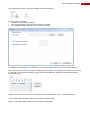
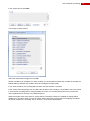
In the section “Receive from FastTrace 2” select “Configuration”. You also need to define what configuration
you want to download.
Click „Get‟. You can define where the file should be stored.
Repeat the procedure mentioned above for all configurations you would like to download.
15.2.4 Downloading camera definitions
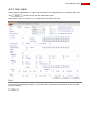
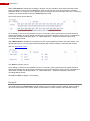
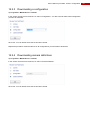
Open System > Maintenance > Transfer.
In the section “Receive from FastTrace 2” select “Camera Definition”.
Click „Get‟. You can define where the file should be stored.
101