1
General information about system
PHOTOMOD 6.0.2
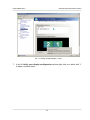
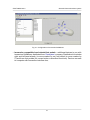
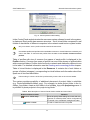
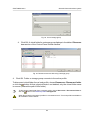
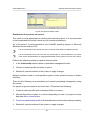
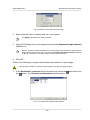
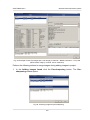
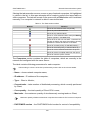
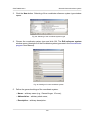
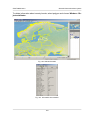
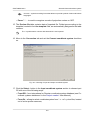
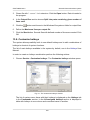
Fig. 44. Control Panel window
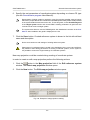
The system provides possibility to create and manage local and network profiles.
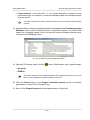
Profile, available to use only on one PC, is called local profile. Local profile is marked
with
leftward to profile name.
Network profile is available on all workstations in the system to process project at the
same time. Network profile is marked with
leftward to profile name. When selecting
a network profile, its configuration is copied automatically to a local PC to provide independent work if storage is unavailable.
In one session could be used only one active profile. Any local or network profile available
profile could be chosen as active.
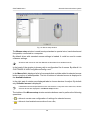
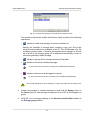
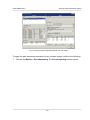
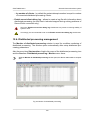
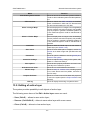
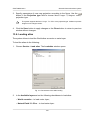
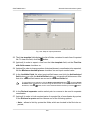
The PHOTOMOD Explorer moduleis a service module for resources management. All
active profile resources are displayed in the module – contents of virtual folders (including
subfolders and files). The module also allows to edit resource structure.
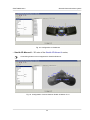
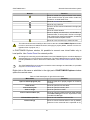
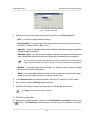
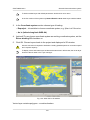
Fig. 45. ’ PHOTOMOD Explorer’ window
9.1.3. Storages
Storage folders are a special type of virtual folder.
74