1
English/ Chapter 09
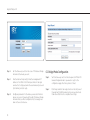
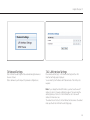
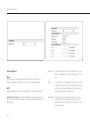
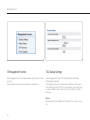
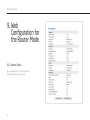
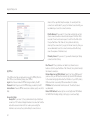
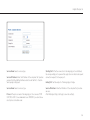
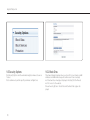
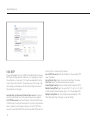
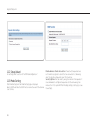
In this page, you can view information about the current running status
of ISY Wireless Range Extender, including system information, connection status of the Internet port, LAN port status, and wireless network
status.
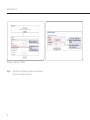
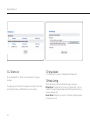
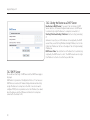
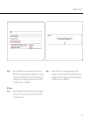
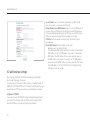
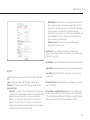
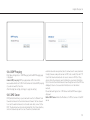
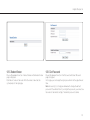
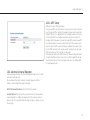
Click Show Statistics and the Statistic Information page as shown in the
following figure is displayed.
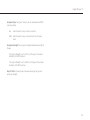
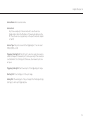
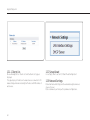
In this page, you can view performance statistics information of ISY
Wireless Range Extender, including the numbers of sent and received
packets at each port.
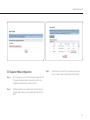
Set Interval: Set the interval for traffic statistics.
Stop: If you click this button, this page always displays statistics
information that was refreshed for the last time and it is not refreshed
any more.
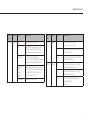
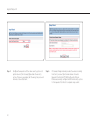
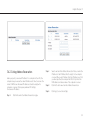
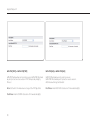
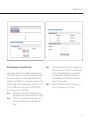
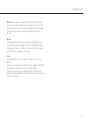
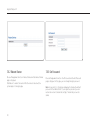
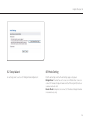
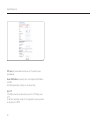
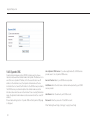
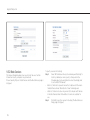
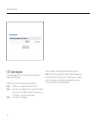
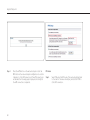
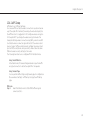
Click Connection Status in the Router Status page, and the Connection
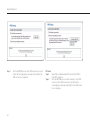
Status page is displayed. This page displays current connection information of ISY Wireless Range Extender. The following takes WAN connection of DHCP as an example.
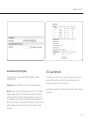
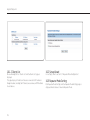
Release: Click the button and ISY Wireless Range Extender sends a
request to the ISP for releasing the IP address, the subnet mask, the
default gateway, and DNS server settings.
Renew: Click the button and ISY Wireless Range Extender dynamically
obtains an IP address,a subnet mask, the default gateway, and DNS
server settings from the ISP. The information will be displayed in this
pagefor details.
51