1
Kerweb
The management menu (general
mode)
Alarm class management pages
7.13 Alarm class management
pages
7.13.1 List page
7.13.1.1 Sorting
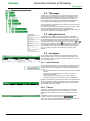
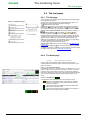
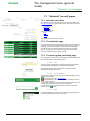
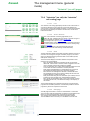
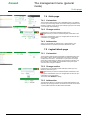
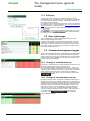
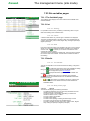
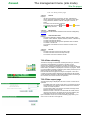
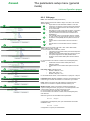
It is possible to sort the list by increasing or decreasing alarm class
name.
7.13.1.2 Data
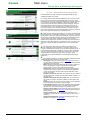
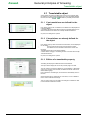
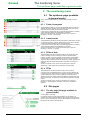
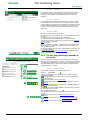
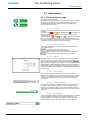
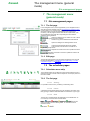
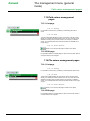
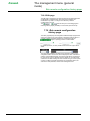
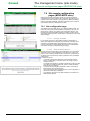
The alarm class table displays the name of the class. The last column
allows you to delete the class located on the row. The class will not be
deleted if it is being used (in a filter criterion, for example). To delete a
class, you must therefore make sure that the filters or events are no
longer using it.
7.13.1.3 Action buttons
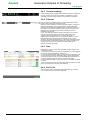
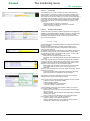
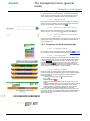
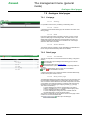
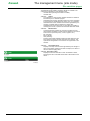
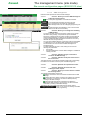
Allows you to open the edit page to create a new class.
7.13.2 Edit page
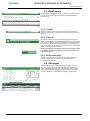
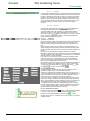
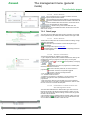
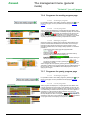
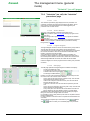
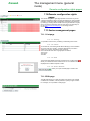
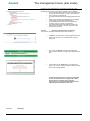
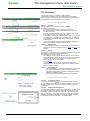
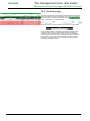
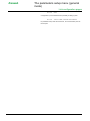
It is possible to define in the edit page the name of the new alarm class or
of the alarm class to be changed.
7.14 Path class management pages
7.14.1 List page
7.14.1.1 Sorting
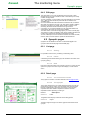
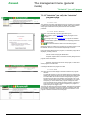
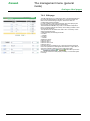
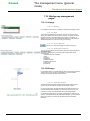
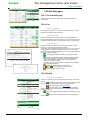
It is possible to sort the list by increasing or decreasing path class name.
7.14.1.2 Data
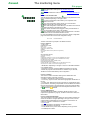
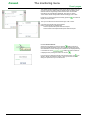
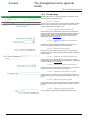
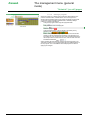
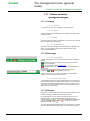
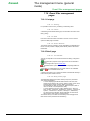
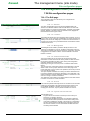
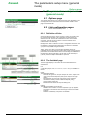
The path class table displays the name of the class. The last column
allows you to delete the class located on the row. The class will not be
deleted if it is being used (in a filter criterion). To delete a class, you must
therefore make sure that the filters or variables are no longer using it.
7.14.1.3 Action buttons
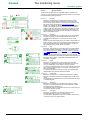
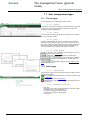
Allows you to open the edit page to create a new class.
7.14.2 Edit page
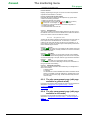
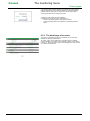
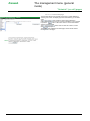
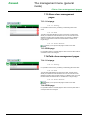
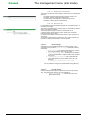
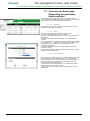
It is possible to define in the edit page the name of the new path class or
of the path class to be changed.
NT00360-EN-01
49