1
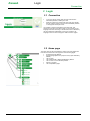
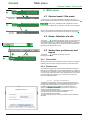
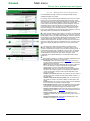
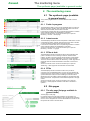
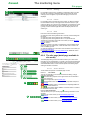
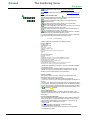
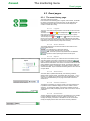
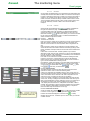
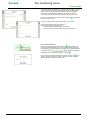
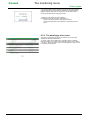
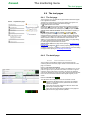
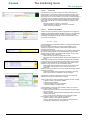
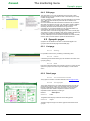
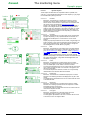
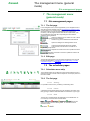
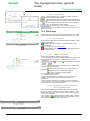
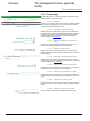
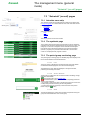
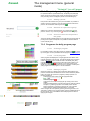
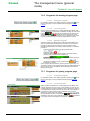
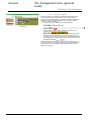
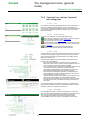
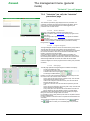
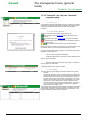
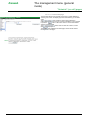
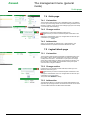
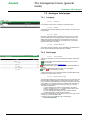
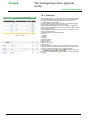
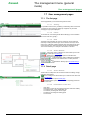
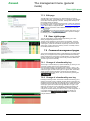
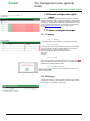
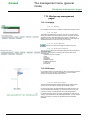
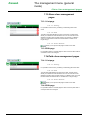
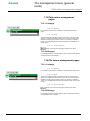
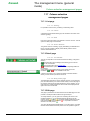
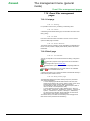
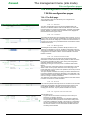
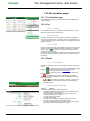
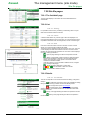
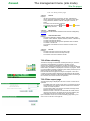
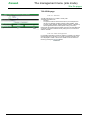
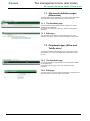
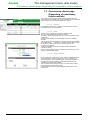
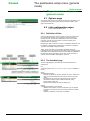
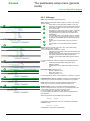
Kerweb General principles of browsing Dynamic lists 4.3.3 Logout The use of this functionality should be preferred for closing the browser, because it closes the session and prevents another user from obtaining access to that session without having the login codes. 5 General principles of browsing 5.1 Dynamic lists The dynamic lists replace, where applicable, the conventional lists of your browser. Options allow you to find the element sought in the list more easily. 5.1.1 The data entry field The data entry field allows you to enter the first characters of the name sought. If one or more names correspond to this entry, a list opens, proposing to you the corresponding options. You can then select an element using the mouse pointer or by browsing with the and keys. The Enter key confirms the highlighted option, while the "Escape" key closes the options list again. If the list corresponding to the text entered is larger than the space reserved for it, navigation buttons allowing you to browse through it appear . You can also use the "Next Page" and "Previous Page" keys for this purpose. Finally, this data entry field accepts Windows wild cards. You can therefore use the "*" character to replace part of the name, or the "?" character to replace a letter. The "foo" search will give all elements whose name begins with "foo", while the "*foo" search will give all elements whose name contains “foo". 5.1.2 Opening the list The button allows you to open the list: if a name is selected, it remains present in the text field but has no influence on the list. The list is therefore opened without filtering (equivalent to filter "*"). If the total number of elements is large, a browse through the list will also be proposed. The entry of characters in the text field will activate filtering again. 5.1.3 Deletion of an element When the field does not impose the choice of an element, the button is present in the component. If an element is selected, pressing this button causes deletion of the selection. The form can therefore be sent with a null value for the corresponding choice. 5.1.4 Access to the detailed list When the button is present, this indicates that a page containing a corresponding list and containing more filtering details or possibilities is available. Pressing this button opens this list page; the selection of a name in this list therefore causes the same action as the selection of an element in the initial list. 5.1.5 Width of lists When the names of the list elements are clipped by an excessively small list size, It is thus possible to see the full string by passing over or selecting the element. NT00360-EN-01 9