1
NCPlot v2.20 Manual
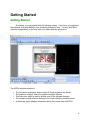
Convert Arc Centers to ABS
This tool converts arc centers specified with incremental I / J / K to absolute.
This tool also turns on the Absolute Arc Centers option of the Draw menu.
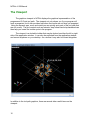
Convert Arc Centers to INC
This tool converts arc centers specified with absolute I / J / K to incremental
distance from the arc start point. This tool turns off the Absolute Arc Centers option of
the Draw menu.
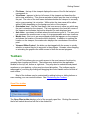
Convert Arc R to I/J/K
This tool calculates the center point for R specified arcs and replaces ‘R’ with I / J
/ K values in either incremental or absolute. Incremental or absolute is selected via the
Draw menu and is indicated by the check next to the Absolute Arc Centers menu item.
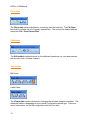
Convert Arc I/J/K to R
This tool calculates the radius of the arc and replaces I / J / K values with an R
value. For arcs less than or equal to 180 degrees, the R value is positive and for arcs
greater than 180 degrees, the R value is negative. This tool will not convert arcs that
result in a full circle. If any arcs could not converted for this reason, a message will
indicate how many arcs could not be converted.
Break Arcs Into Lines
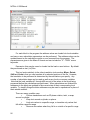
This tool will break arcs into line segments. Any G02/G03 blocks are replaced
with a sequence of G01 moves that approximate the arc. You will be prompted for a
maximum deviation distance that determines how closely the line segments will follow
the arc. This also determines how many line segments are required to approximate the
arc. This tool will also break helical arcs up to 360 degrees.
Break Arcs At Quadrants
This tool will break arc commands that cross any of the 4 quadrant points. The 4 points
are at 0, 90, 180 and 270 degrees. Up to 3 additional arc commands are created for
each G02 / G03 command so that each command creates an arc that is no more than
90 degrees. This tool will not break helical arcs.
58