1
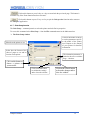
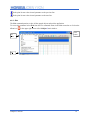
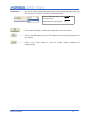
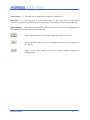
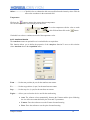
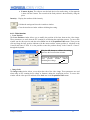
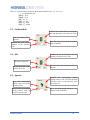
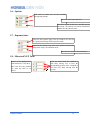
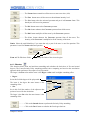
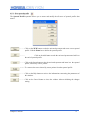
In the print list move the selected parameter to the previous line.
In the print list move the selected parameter to the next line.
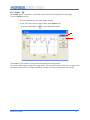
4.1.9 - Exit
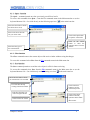
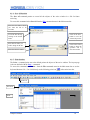
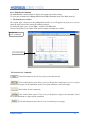
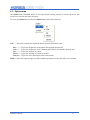
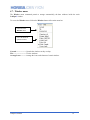
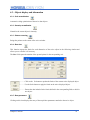
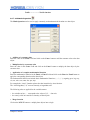
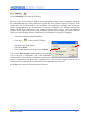
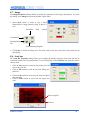
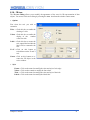
The Exit command permits to close all the opened objects and quit the application.
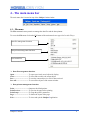
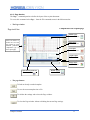
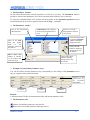
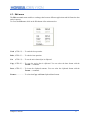
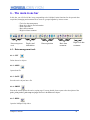
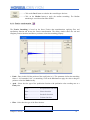
To access this command select Exit from the File commands menu in the Main menu bar or click on the
Close icon
in the upper right corner of the LabSpec5 main window.
File
menu
Close
button
Exit
LabSpec5 manual
16