1
8.9 - Image3D
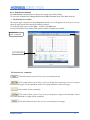
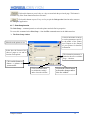
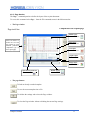
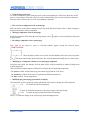
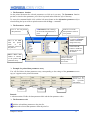
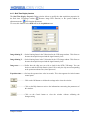
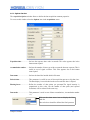
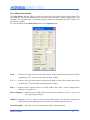
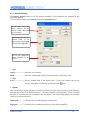
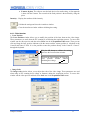
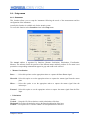
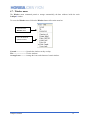
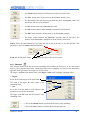
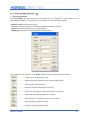
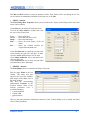
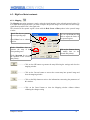
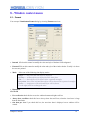
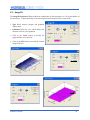
The Image3D Properties Dialog enables the modification of the appearance of a 3D representation of
the data object. To open this dialog, select the Image3D item from the window context menu.
➢
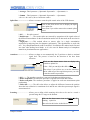
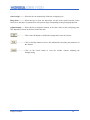
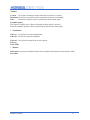
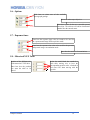
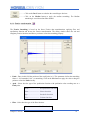
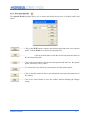
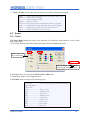
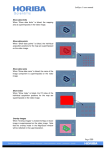
Type Select between polygon and gradation
display mode.
➢
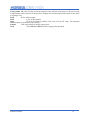
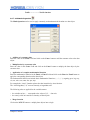
Gradation Select the axis which defines the
direction of the the color gradation
➢
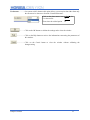
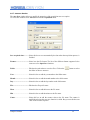
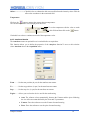
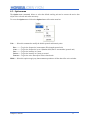
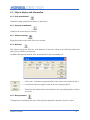
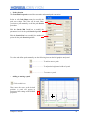
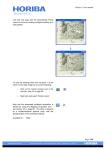
Click on the Color control to modify the
polygon border style and color.
➢
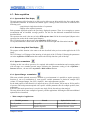
Click on the Fill control to modify the internal
polygon fill-style.
LabSpec5 manual
69