1
WeldEye® User guide.
Page 64 of 74
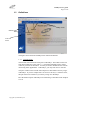
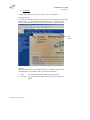
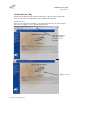
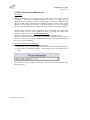
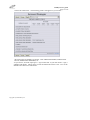
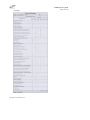
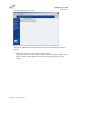
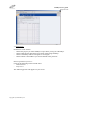
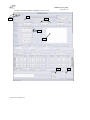
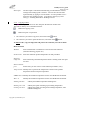
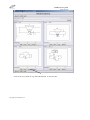
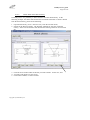
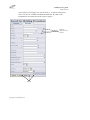
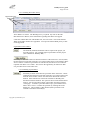
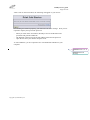
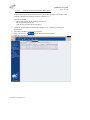
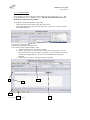
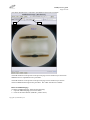
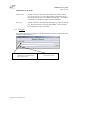
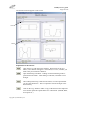
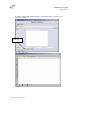
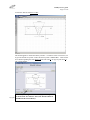
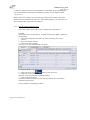
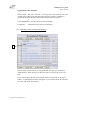
The search result will appear on the screen:
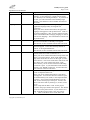
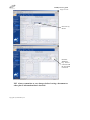
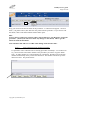
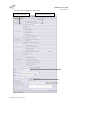
Field
Button
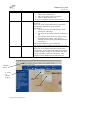
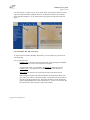
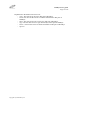
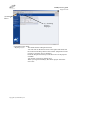
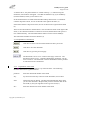
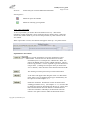
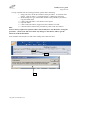
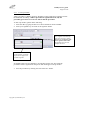
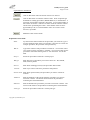
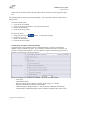
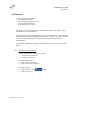
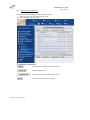
Explanation to the buttons:
Open the survey with the next 4 sketches. When click on the Next
button, a new button will appear. This button, Previous, will take you
back to the previous shown sketches.
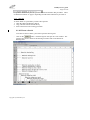
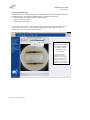
Open the drawing tool/editor. Editing of a sketch/drawing must be
performed in the editor. After editing of a sketch, remember to save
changes.
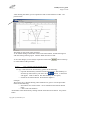
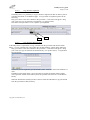
After editing and saving a sketch in the editor, it is also required that
you save the sketch here. This is required to store the changes in the
sketch library.
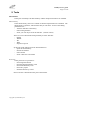
Click on the Copy button to make a copy of the sketch to the clipboard.
You can then paste the copied sketch in to a document. (WPAR, WPS,
test reports etc.)
Copyright© by Weldindustry AS