1
Services
• When a call arrives through the office VoIP line in off-hours, the "Working Hours" attendant
will be played, informing the caller of your business hours.
• When a call arrives through the home VoIP line, it will automatically be transferred to
extension 100. To experience this, you can use the office extension to dial "9" and then your
home VoIP line number.
4.6.8 Handling Outgoing Calls
OpenRG's PBX provides a sophisticated mechanism for handling outgoing calls, by utilizing
a Dial Plan. A dial plan is a set of rules you can determine in order to route outgoing calls
through specific VoIP lines. Each dial plan rule is referred to as a "dial plan entry", which you
can add, edit or remove.
The dial plan mechanism enables you to manipulate the number dialed by the caller, by adding
or omitting digits. This can be used for various purposes, such as reaching an external line,
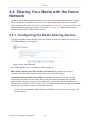
replacing telephony proxies' dialing codes, and even defining speed dial shortcuts. To define
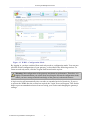
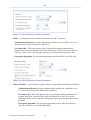
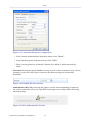
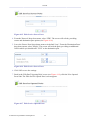
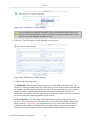
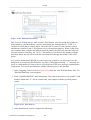
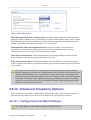
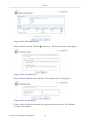
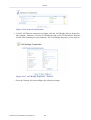
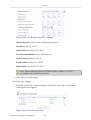
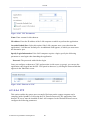
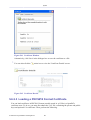
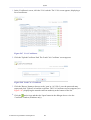
a new dial plan entry, click the 'New Dial Plan Entry' link. The 'Edit Dial Plan Entry' screen
appears (see Figure 4.190).
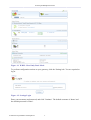
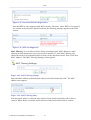
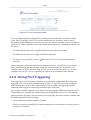
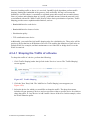
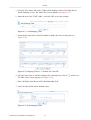
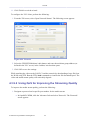
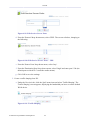
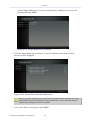
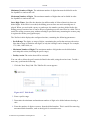
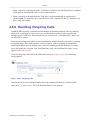
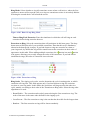
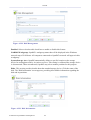
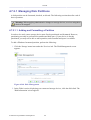
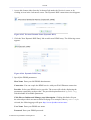
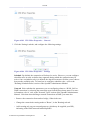
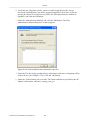
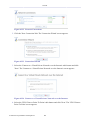
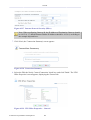
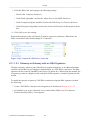
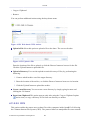
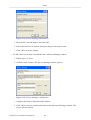
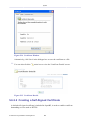
Click the 'Outgoing Calls' link in the PBX main screen (see Figure 4.154). The following
screen appears.
Figure 4.189 Outgoing Calls
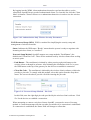
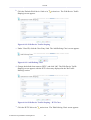
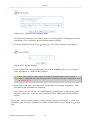
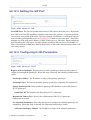
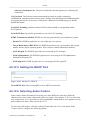
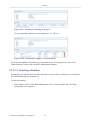
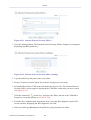
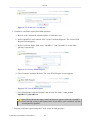
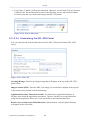
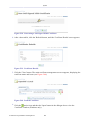
The default entries are designed to handle the most common call patterns. Click the 'ZXX'
entry (or its
action icon ). The 'Edit Dial Plan Entry' screen appears.
© 1998-2010 Jungo Software Technologies Ltd.
145