1
CUNY e-PROCUREMENT SYSTEM (EPS)
•
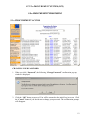
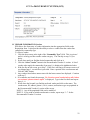
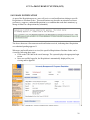
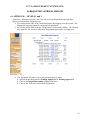
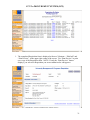
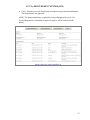
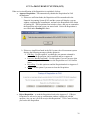
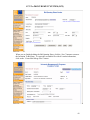
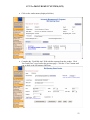
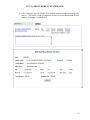
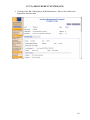
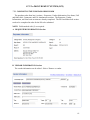
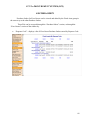
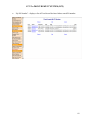
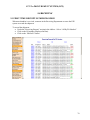
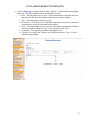
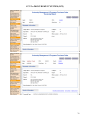
Once everything is completed, the PO is ready to be submitted. Click on the “Submit
PO” button to submit. If all the information is not yet completed, click on the “Save as
Draft” button. Click on the “Delete PO” button to delete the PO, or “Close” button to
exit the form without saving the changes. The history of the PO life-cycle is displayed.
•
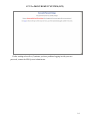
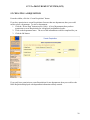
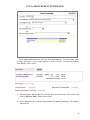
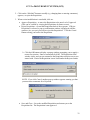
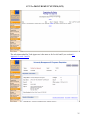
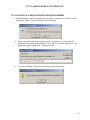
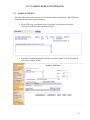
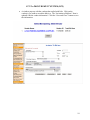
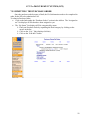
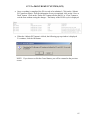
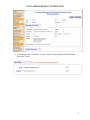
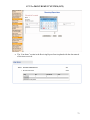
When the “Submit PO” button is clicked, the following pop-up window is displayed.
To continue, click the OK button.
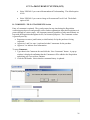
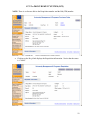
NOTE: If you choose to click the Cancel button, you will be returned to the previous
screen.
65