1
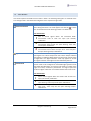
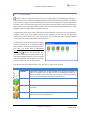
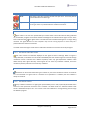
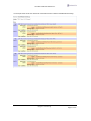
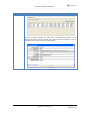
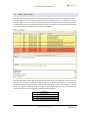
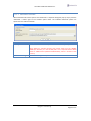
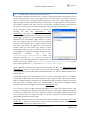
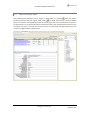
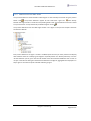
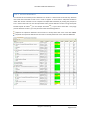
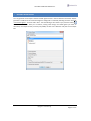
User Manual Mirador Release 2.1 3.2.1.2 CONSOLE WARNINGS The “Console Warnings” has a table that contains warnings issued by the underlying Hawk console. Such warnings report some unexpected events that happened while monitoring a Hawk environment. Such a warning would appear if you unplug the network cable from the computer that is running the Mirador program. Warnings remain in the table until they get actively dismissed by pressing the button located top right of the table. The top level Hawk environment node in the navigation tree is shown with red color ( ) if the table contains non-dismissed console warnings. copyright centeractive ag Page 14 of 57