1
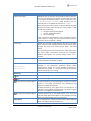
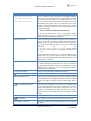
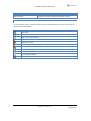
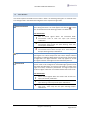
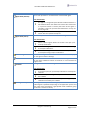
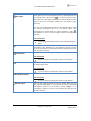
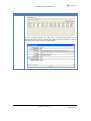
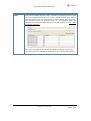
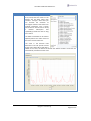
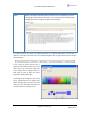
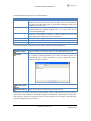
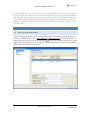
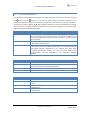
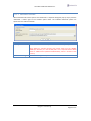
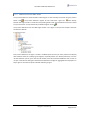
User Manual Mirador Release 2.1 4.1.1 HAWK ENVIRONMENTS The “Hawk Environments“page lets you define the Hawk environments you want to monitor. Through the button and the button you can add or remove single environment definitions. The environment definition cannot be removed if it corresponds to the one that is currently selected for monitoring. The buttons and let you change the position of environment definitions by moving them up or down. The details from the selected table row (environment) appear on the bottom of the page according to the following description. Option Description Definition Name Every definition must have a distinct name that gets freely assigned by the user. Please note that the name cannot be changed if the environment definition corresponds to the one that is currently selected for monitoring. Hawk domains are used if you wish to isolate groups of Hawk agents into independent monitoring sets. This lets you select the communication channel Mirador uses to gather information from the monitored Hawk agents and to remotely invoke microagent methods. Depending on the options you chose when installing the Mirador program, you have the choice between the communication channels “Rendezvous” and “Enterprise Message Service”. Hawk Domain Communication Channel Communication Channel “Rendezvous” Option Description Rendezvous Service Rendezvous Network Rendezvous Daemon The Rendezvous parameters are required by Mirador to create a session in order to connect to a Rendezvous daemon see above see above Communication Channel “Enterprise Message Service” Option Description Server URL User Password This parameter is required by Mirador to create a session on the EMS server The user is an optional parameter if the EMS session requires authentication The password is an optional parameter if the EMS session requires authentication copyright centeractive ag Page 41 of 57