1
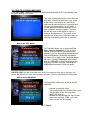
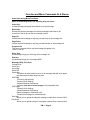
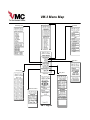
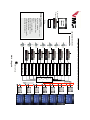
What is the UTILITIES MENU?
The Utilities Menu allows you to do system wide
functions like:
.
- Set the VM ID’s to give each box it’s own address #
- Download (Xmit) Preferences, the Clock and so on
to networked units.
- Delete all the messages in a unit with Reset ALL
- This menu also allows you to control an optional
modem, which can dial out to another VM-3 to
download messages remotely.
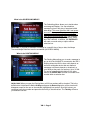
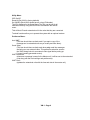
What is the PREFERENCES MENU?
The Preferences Menu allows you to set system wide
preferences like:
- Auto Xmit which downloads new messages to the
other networked boxes when you save a message.
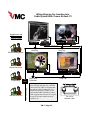
- Turn on Smart Video, which is used when you
display messages over external video.
- Turn on Internal Video Override (Int Video OR) which
instructs the system not to look for external video,
preventing messages from flashing.
- Turn on or off the crawl on top command. The
system default is to crawl on the bottom of the
screen.
- Set the Startup Mode.
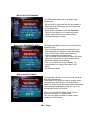
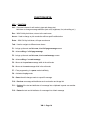
What is the SETUP MENU?
The Setup Menu allows you to set the clock, day of the
week and calendar date.
It also allows you to specify the type of remote device
connected to the RS 232 jacks, (i.e. Media Player,
modem, IP/LAN interface etc.) and the wait time between
crawl message presentations. Lastly, you can verify
and manually set the VM-3’s ID #.
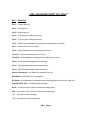
When using the VMX Pro Media Player Comm A
shoud be set to DVD 175 command set.
This menu is usually accessed only when initially
installing the VM-3 system
VM-3 • Page 6