1
16
Channel information
Shows bias or scaling operations that have been performed on the data. These values may be
use to undo or view bias and scaling operations. (See Bias removal and Scaling subsections under
the Analyze menu.
Multiply channels
Use this option to multiply two or more channels together. Useful for KinCom files to computer
power produced by moment of force (moment times angular velocity in rad/s).
Reload
This option reloads channels from the original data file.
Subtract channels
Use this option to subtract one channel from another. Press the <X> key then the <Y> key to
perform the subtraction Y-X. One two channels can be subtracted at one time.
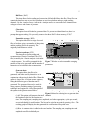
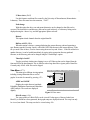
Edit Menu
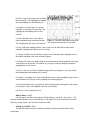
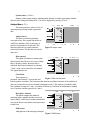
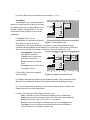
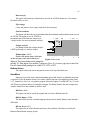
Graph setup (<F8>)
This option allows for the rearranging and
removal of waveforms from the graphical display.
Also the labels and colours of each waveform can
be modified from the menu presented. By entering
a zero for the graph number a waveform can be
removed from the graphical display. Two
waveforms can be displayed within the same axes
by entering the same graph number for each
Figure 21 Edit menu
waveform. Note, blank areas will appear if the
graph numbers are not continuous.
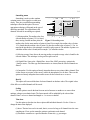
Comments
Use this option to edit the COMMENTS file associated with the data. If no file exists one will
be created. Be sure to press the <Page Down>
key to have the changes saved or use the <Save
menu>.
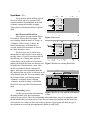
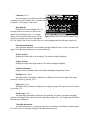
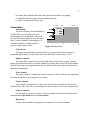
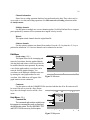
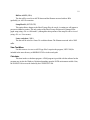
Help Menu (<F6>)
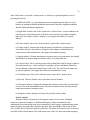
Command line
The commands and switches needed to run
this program in command line mode are listed and
described in this option. The files BIOPROC.TXT
and LIST.COM are necessary for this option.
Figure 22 Help menu