1
Questionnaires Engine Manual
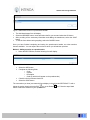
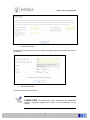
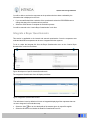
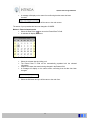
Figure: Copy a screen
•
•
•
Capture a questionnaire code for the new questionnaire in the New Questionnaire Code field
Select the COPY button
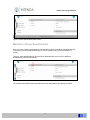
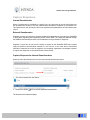
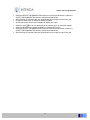
A message asking you to verify your choice will display:
•
Select the YES button
The system will automatically return you to the workspace of the original questionnaire.
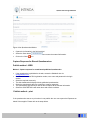
You will need to select the HOME button to return to the Buyer Questionnaire Home Page where
you can then select the copied questionnaire and maintain it.
PLEASE NOTE All copied questionnaires must be maintained as all fields
will need to be amended to suite the requirement for the new questionnaire.
The Possible Answers are not copied; therefore new possible answers will
have to be created for the copied questionnaire.
Close / Extend a Buyer Questionnaire
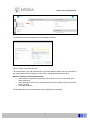
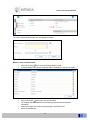
If you wish to close a questionnaire for further responses, or if you wish to extend the closing date
of a questionnaire, this can be done here. One screen is used to do both actions.
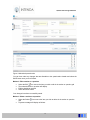
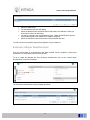
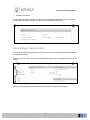
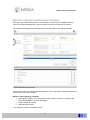
To do so, select the Close/Extend link from the Administration menu on the “Load a Buyer
Questionnaire” main form as follows:
27